



























TIPS & TRICKS : A thread 👇

Here Are Some Tips & Tricks That Might Help You
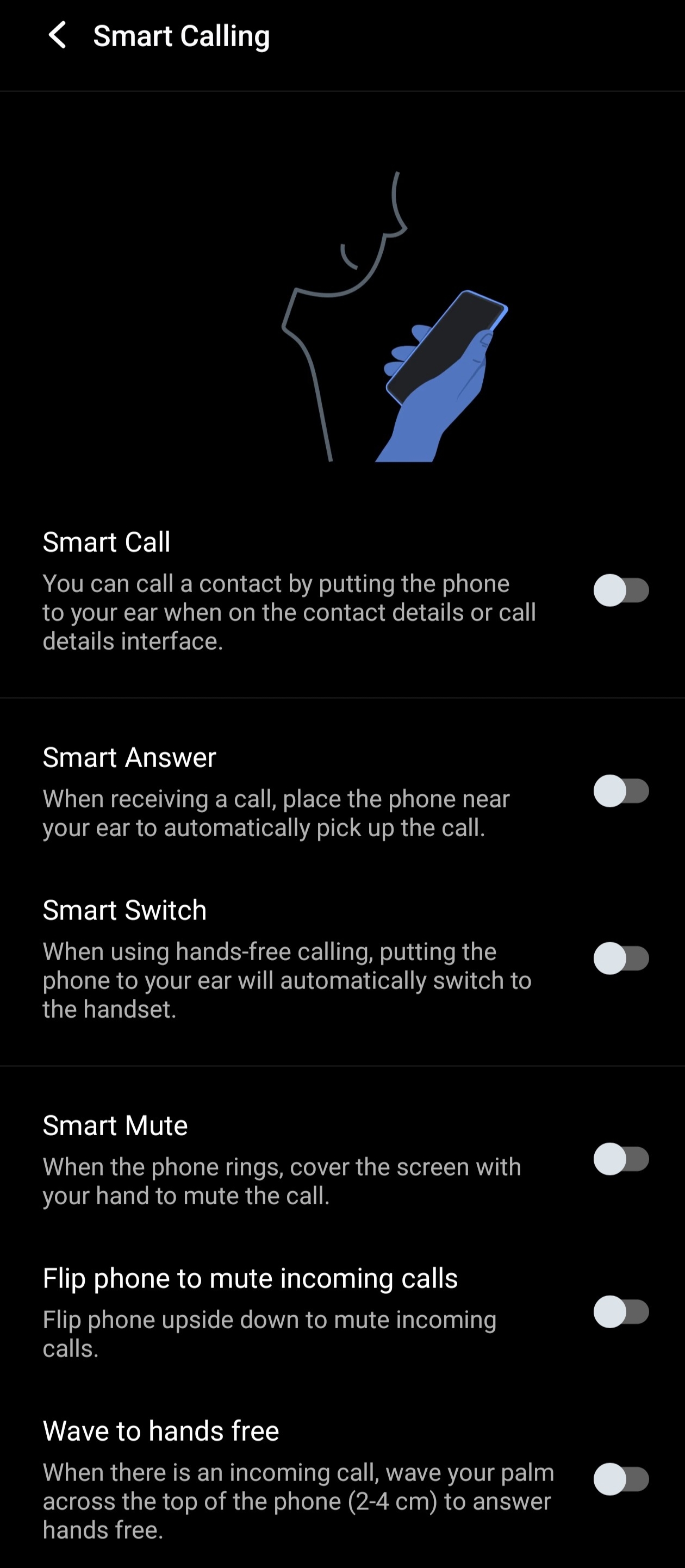
1. Smart Calling
The “Smart Calling” feature is one of the most useful features, which lets you pick up the call when placing it near your ear. Additionally, you can choose to enable more ways to decide how you want to take calls, mute them or switch between speaker to handset. Here’s how you can enable them.
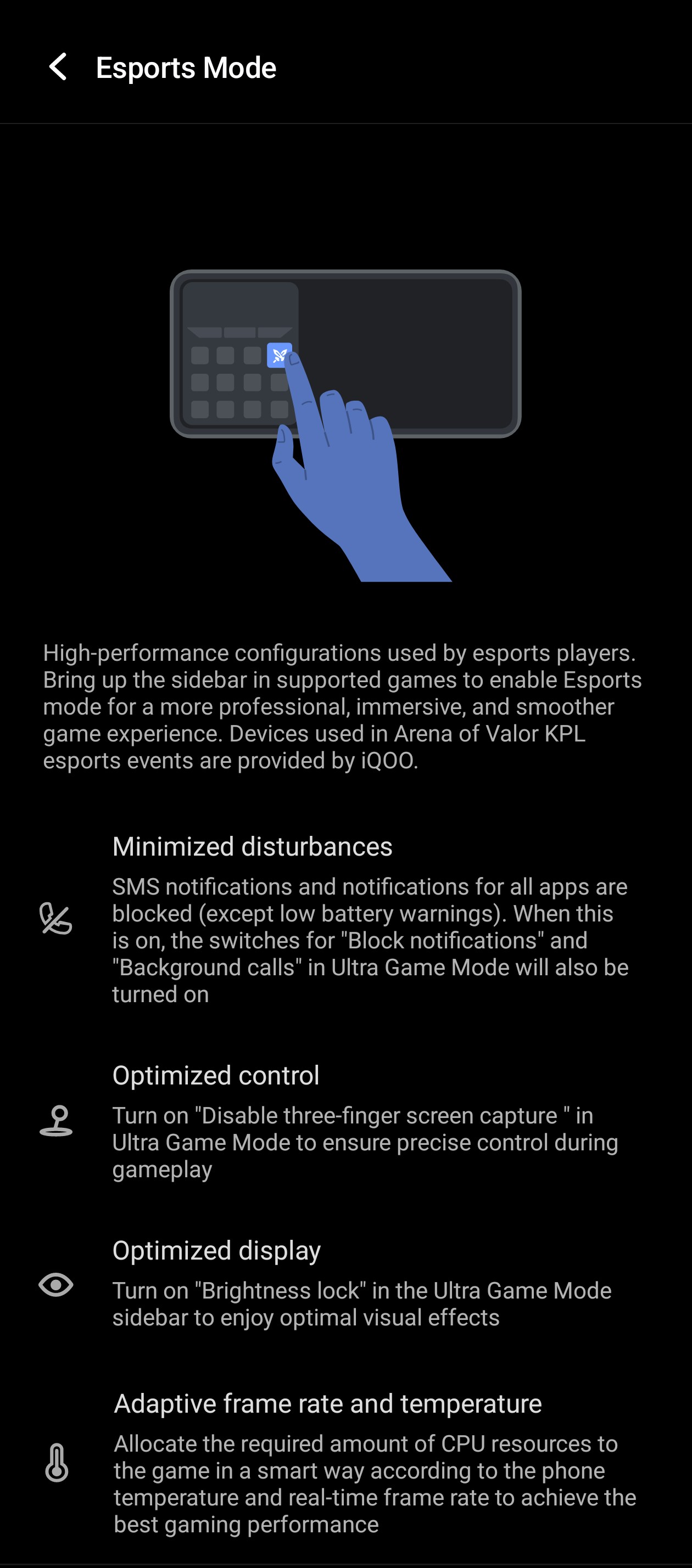
2. Esports Mode
If you play competitive games on your iQOO device, it is recommended that you turn on the Esports Mode to optimize your device for peak gaming performance. This feature is a must, as it offers a disturbance-free experience and adaptive frame rates in games with a maintained device temperature.
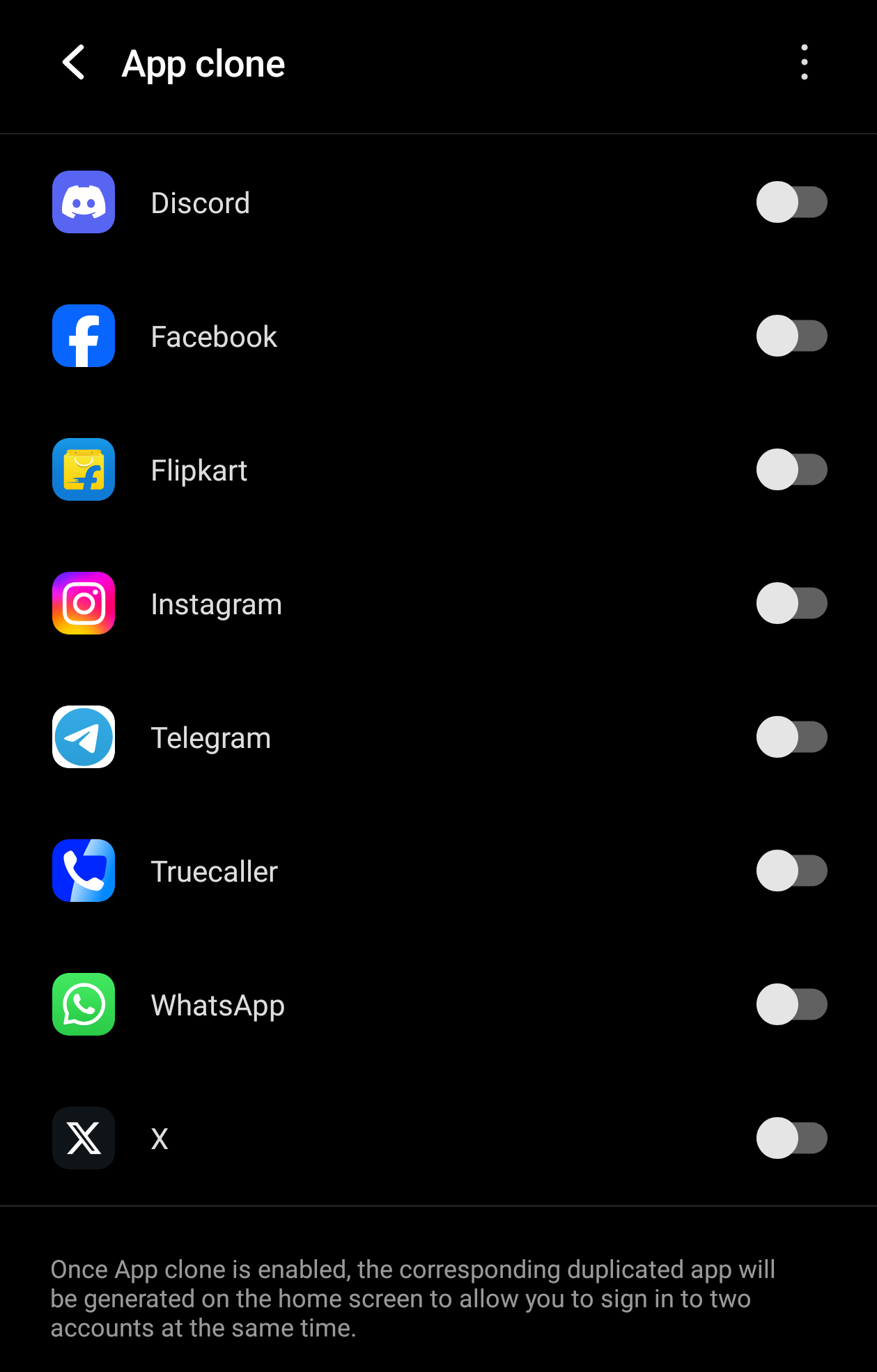
3. App Clone
If you want to use multiple accounts on any of your iQOO devices, use the App Clone feature to create multiple copies and use them as you wish.
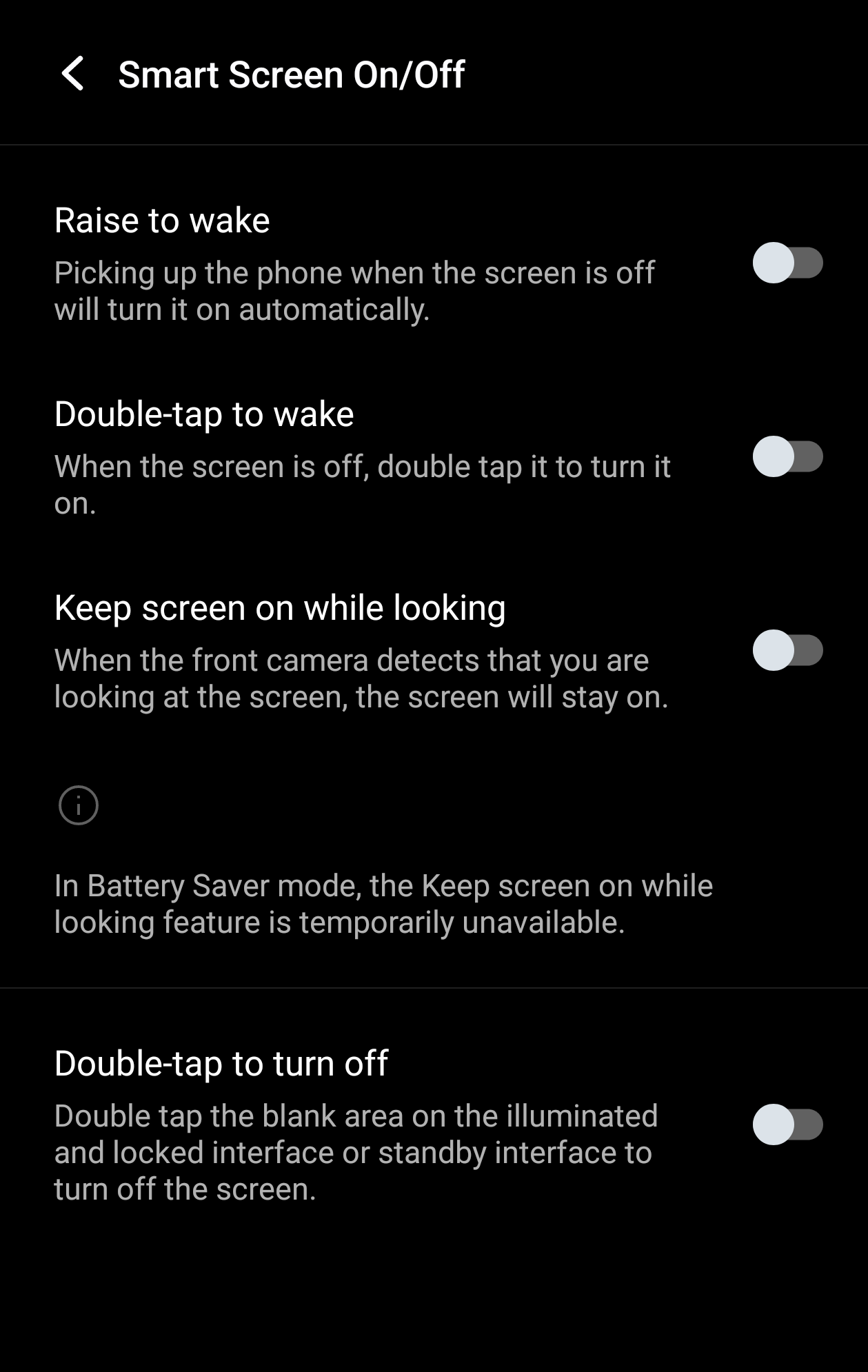
4. Smart Screen On/Off
Another secret tip is the Smart Screen feature in iQOO phones. When turned on, this feature ensures that while you’re looking at the screen, it stays on, and as soon as you look away, it turns off automatically.
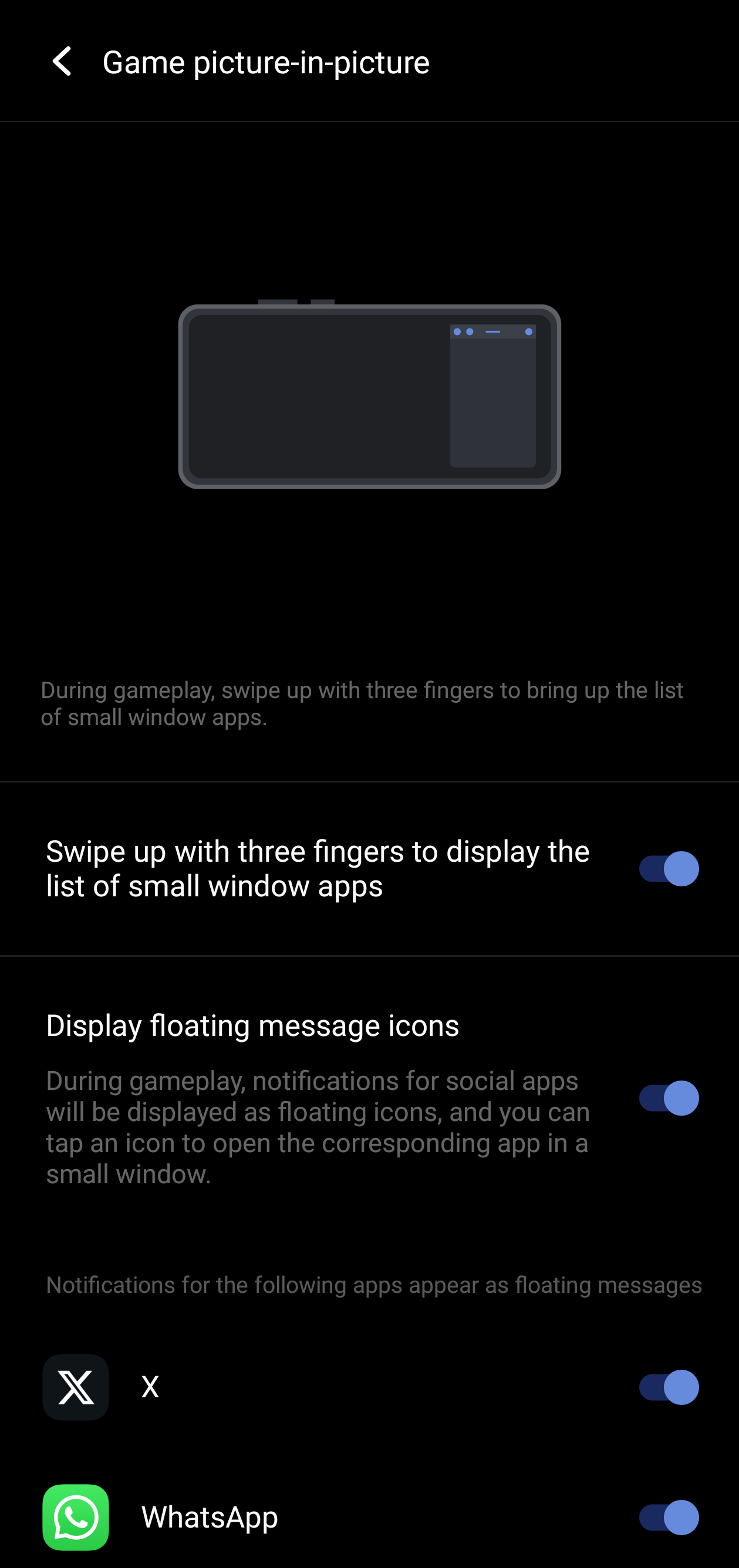
5. Game Picture-in-Picture
Well, say you’ve died in the game, are waiting to respawn, and want to continue to watch your series meanwhile, this feature lets you multitask while gaming with floating windows. To use this:
Please sign in
Login and share