



























Funtouch OS 15 Features Series #Part4

Funtouch OS 15: Upgraded S-Capture and New Screenshot Tools
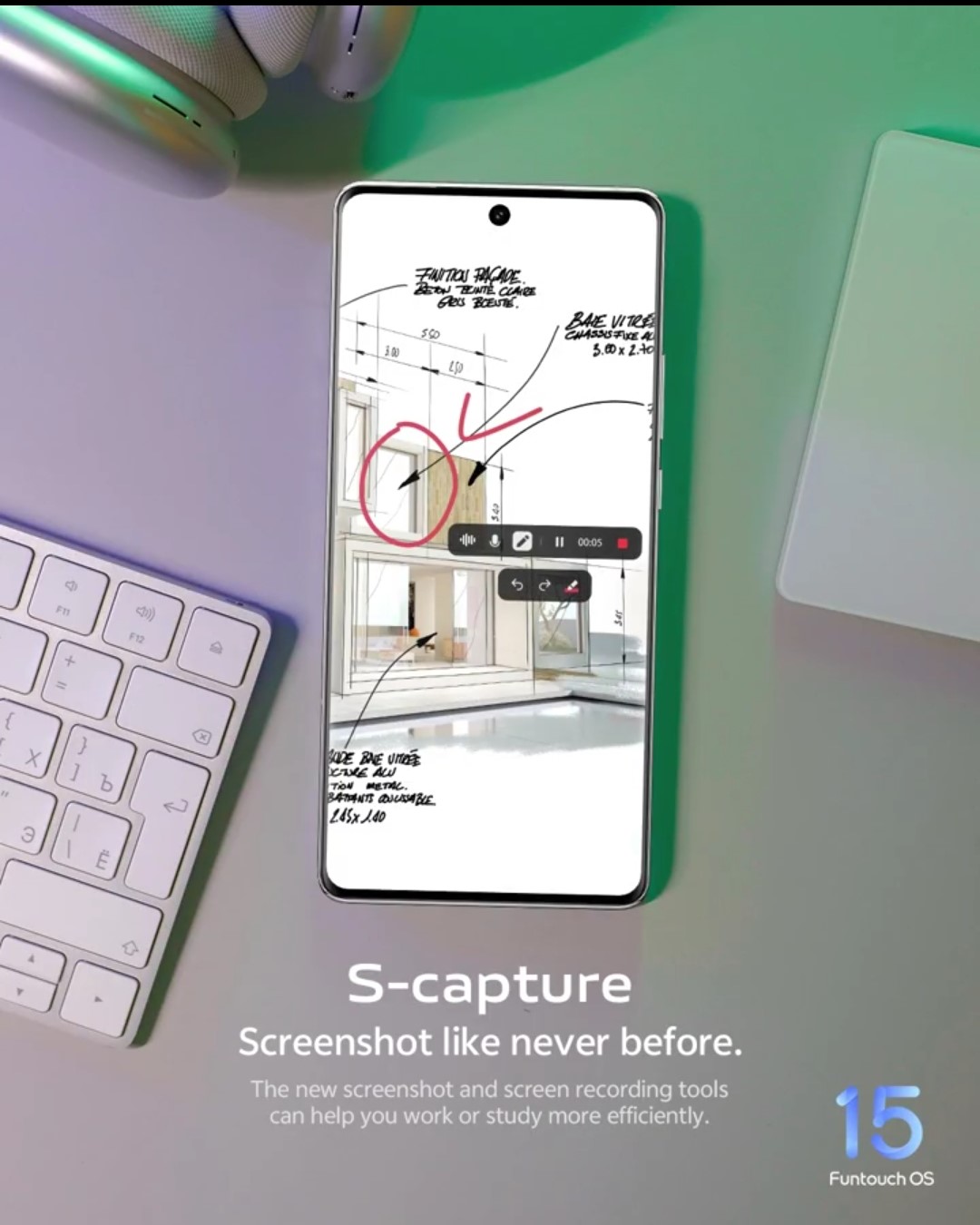
With Funtouch OS 15, capturing and editing screenshots on your iQOO device has become more versatile than ever. Along with the familiar three-finger swipe-down gesture, users can now capture specific portions of the screen by holding and swiping three fingers either up or down—perfect for highlighting just what you need.
Enhanced editing tools like Mosaic Effects and Text Annotations make it easy to personalize screenshots, while the new doodle feature allows for direct drawings on screenshots and screen recordings. This added flexibility is especially useful for sharing moments, notes, or highlights effortlessly.
How to Use the New S-Capture Tools
- Screenshots: Use the three-finger swipe gesture to take a screenshot. For specific portions, hold and swipe three fingers up or down to capture just the desired area.
- Screen Recording: Select Screen Record from the notification bar, and tap the edit button in the recording bar to access doodling options for real-time annotations.
These upgraded tools make capturing, editing, and sharing moments smoother and more intuitive, adding a new level of ease to Funtouch OS 15.
Nitin Panwar
Moderator
Please sign in
Login and share