
























Tips and Tricks : How Clean Your Mobile Phone And Display 🤳❤️

Here are valuable tips and tricks for cleaning your mobile device and display:
*Precautions*
1. *Power off*: Turn off your phone before cleaning.
2. *Remove accessories*: Take off cases, SIM cards, and SD cards.
3. *Avoid harsh chemicals*: Never use bleach, ammonia, or abrasive cleaners.
*Cleaning the Device*
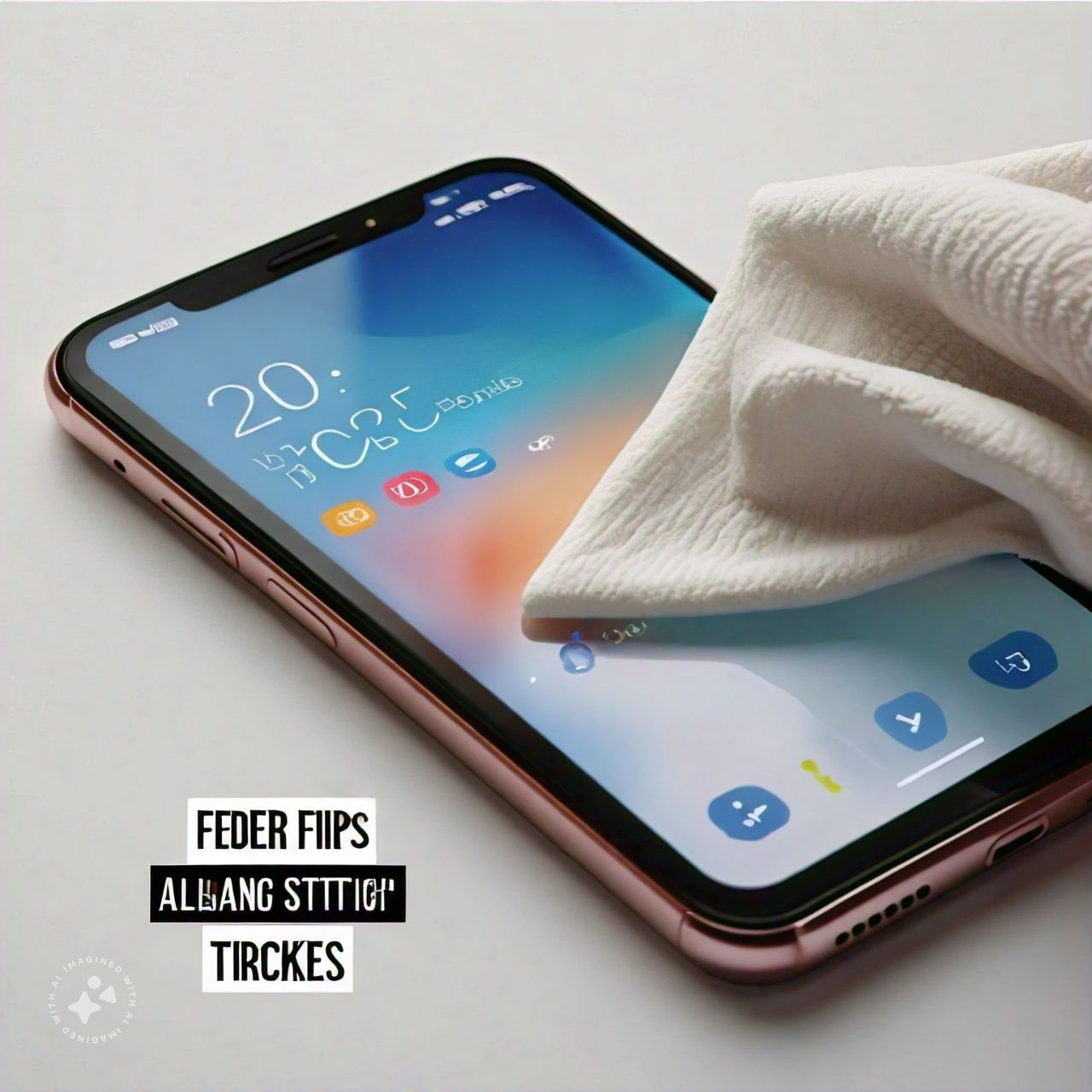
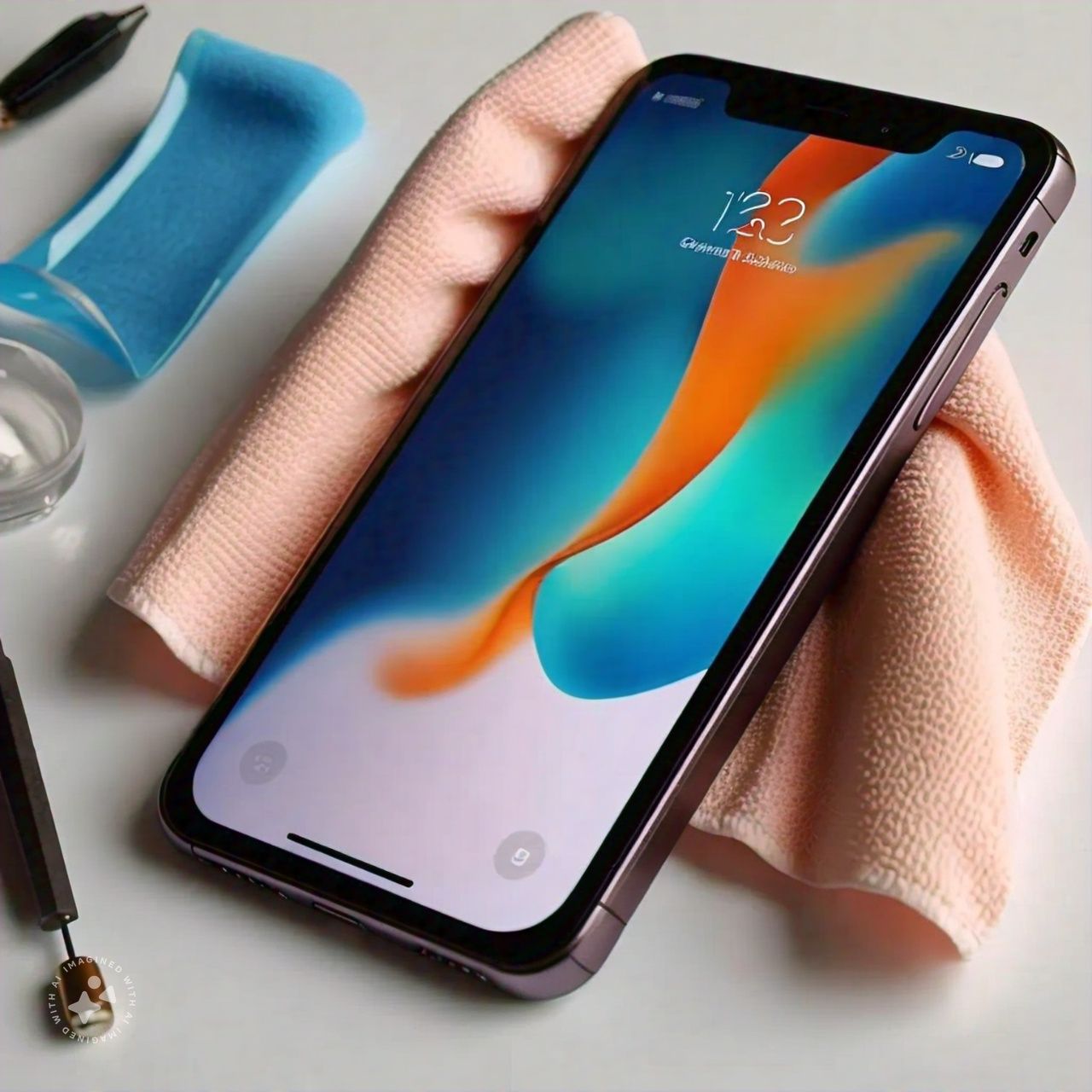
1. *Soft cloth*: Use a microfiber cloth to wipe away dust and dirt.
2. *Damp cloth*: Gently wipe with a slightly damp cloth for stubborn stains.
3. *Dry thoroughly*: Ensure all ports and crevices are dry.
4. *Brush tiny crevices*: Use a soft-bristled toothbrush for tight spaces.
*Display Cleaning*
1. *Microfiber cloth*: Gently wipe the screen with a dry microfiber cloth.
2. *Screen cleaning solution*: Apply a specialized solution to a microfiber cloth.
3. *Avoid direct sunlight*: Clean the screen in a shaded area.
4. *No paper towels*: Avoid scratching the screen with paper products.
*Additional Tips*
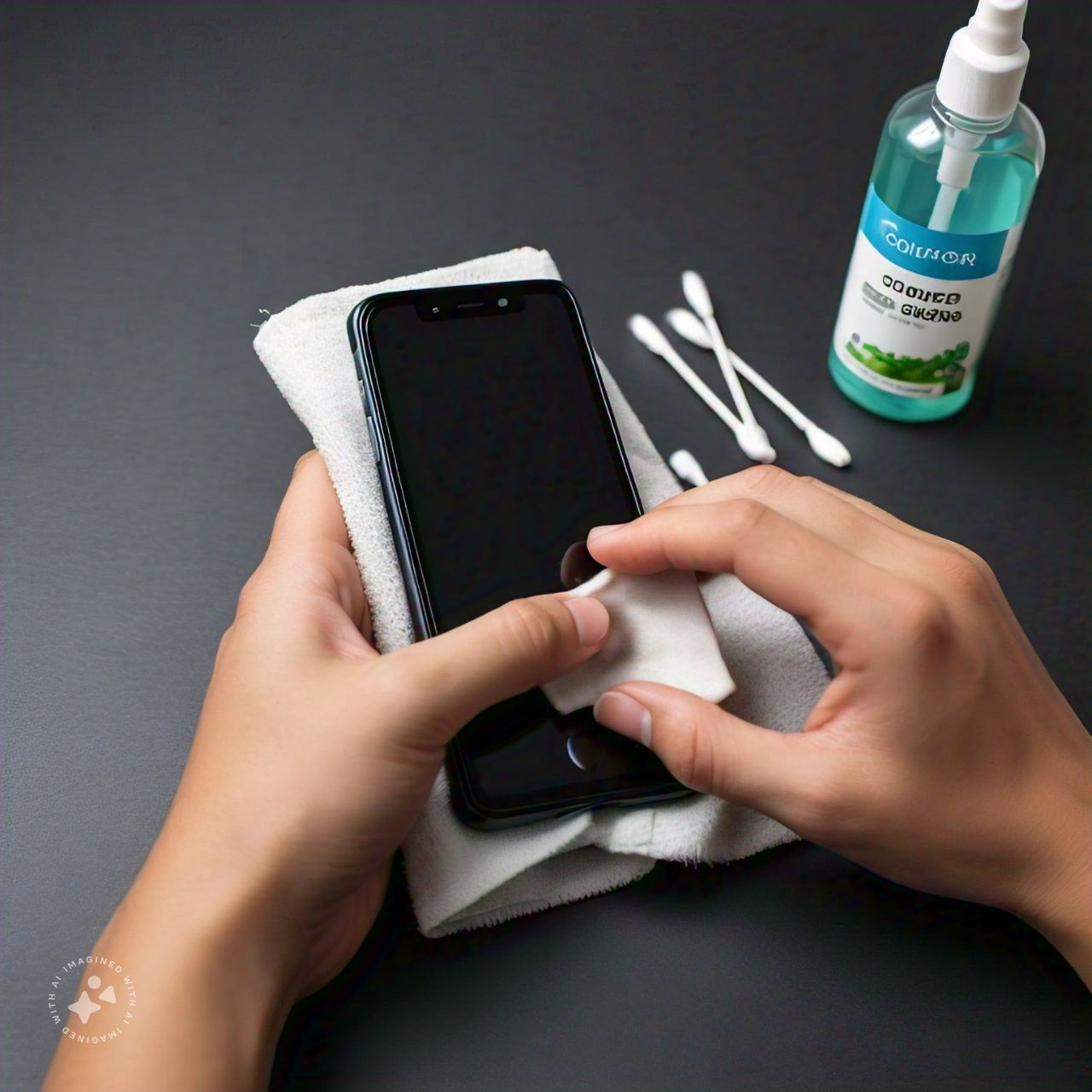
1. *Regular cleaning*: Clean your phone every 1-2 weeks.
2. *Screen protector*: Apply a screen protector for added protection.
3. *Phone case*: Use a case to prevent scratches and dust accumulation.
4. *Avoid eating/drinking nearby*: Prevent spills and crumbs.
*Natural Cleaning Alternatives*
1. *Water and vinegar*: Mix 50/50 water and white vinegar on a microfiber cloth.
2. *Isopropyl alcohol*: Dilute with water (50/50) for tougher stains.
*What Not to Do*
1. *No harsh chemicals*: Avoid bleach, ammonia, or abrasive cleaners.
2. *No abrasive materials*: Don't use paper towels or rough cloths.
3. *No excessive water*: Avoid soaking your phone.
4. *No high-pressure cleaning*: Avoid using compressed air or high-pressure cleaners.
Follow For More : @TESVIPER10
I QUEST ON AND ON
Please sign in
Login and share