



























👉 Exploring the 'Isolate Subjects' Feature in Funtouch OS 15 😍

▶️ FTOS 15 - Features Ep-4️⃣ ◀️
Hey Questers!
I'm excited to share a new feature in Funtouch OS 15, in iQOO 12, that's going to revolutionize the way you capture photos "Discover a FreshWay to Isolate Subjects" ! This innovative feature leverages advanced AI algorithms to help you isolate and highlight your subjects, making your photos stand out like never before.
What is it?
The "Discover a Fresh Way to Isolate Subjects" feature uses AI to detect and isolate the main subject in your frame, automatically adjusting the background to create a professional-looking shot.
Steps To Isolate The Subject :
1️⃣ Go to the Albums App
2️⃣ Choose a Photo
3️⃣ Touch and hold the subject of the photo ( Then a shiny white outline will appear).
4️⃣ Tap 'Save' on the screen.

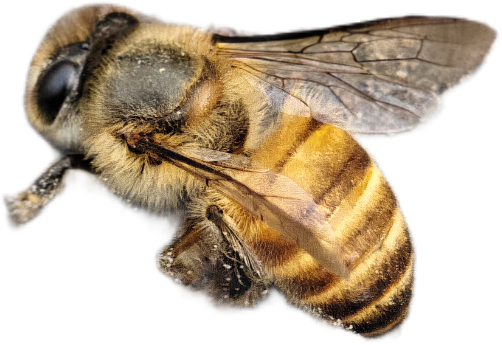
This feature in Funtouch OS 15 is a game-changer for photography enthusiasts. It simplifies the process of creating stunning, professional-looking photos, making your iQOO device even more powerful. Give it a try and let us know how it enhances your photography experience!
Follow Me ▶️ @TechSAM009 For More Such Exciting Features In FunTouch OS 15!
Happy Questing
TechSAM009
Please sign in
Login and share