


























What is Video Slimming and how to slim your videos in your iQOO devices

"Video Slimming" on an Android phone usually refers to reducing the file size of a video — basically compressing it so that it takes up less storage space or is easier to share.
With slimming you can increase available space in your devices to stop your phone running slow.
What Happens During Video Slimming?
Slimming a video typically involves:
Lowering the resolution (e.g., from 4K to 1080p or 720p)
Reducing the bitrate, which decreases quality but saves space
Changing the format to a more efficient codec (like from AVI to MP4 with H.264 or H.265)
How to Slim your Videos in your iQOO devices
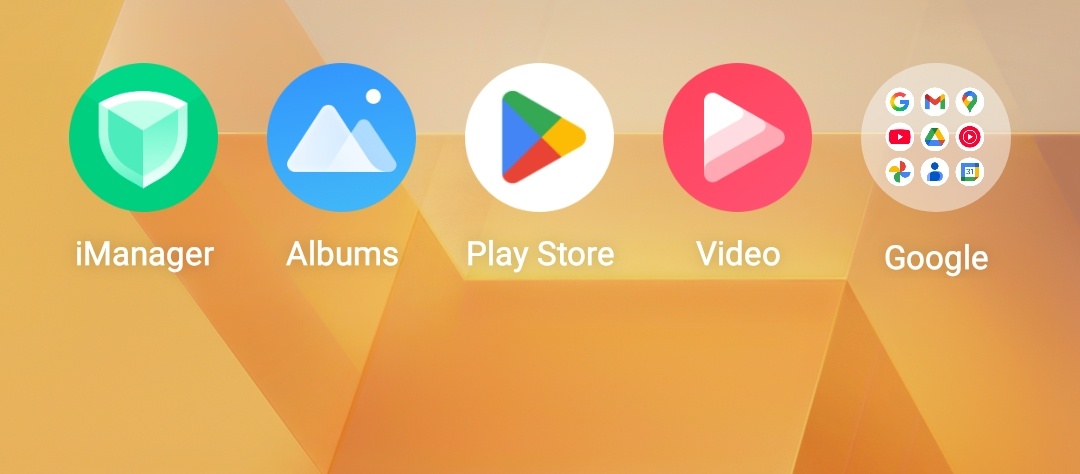
1. First of all you have to go to iManager, a pre-installed app on your iQOO devices.
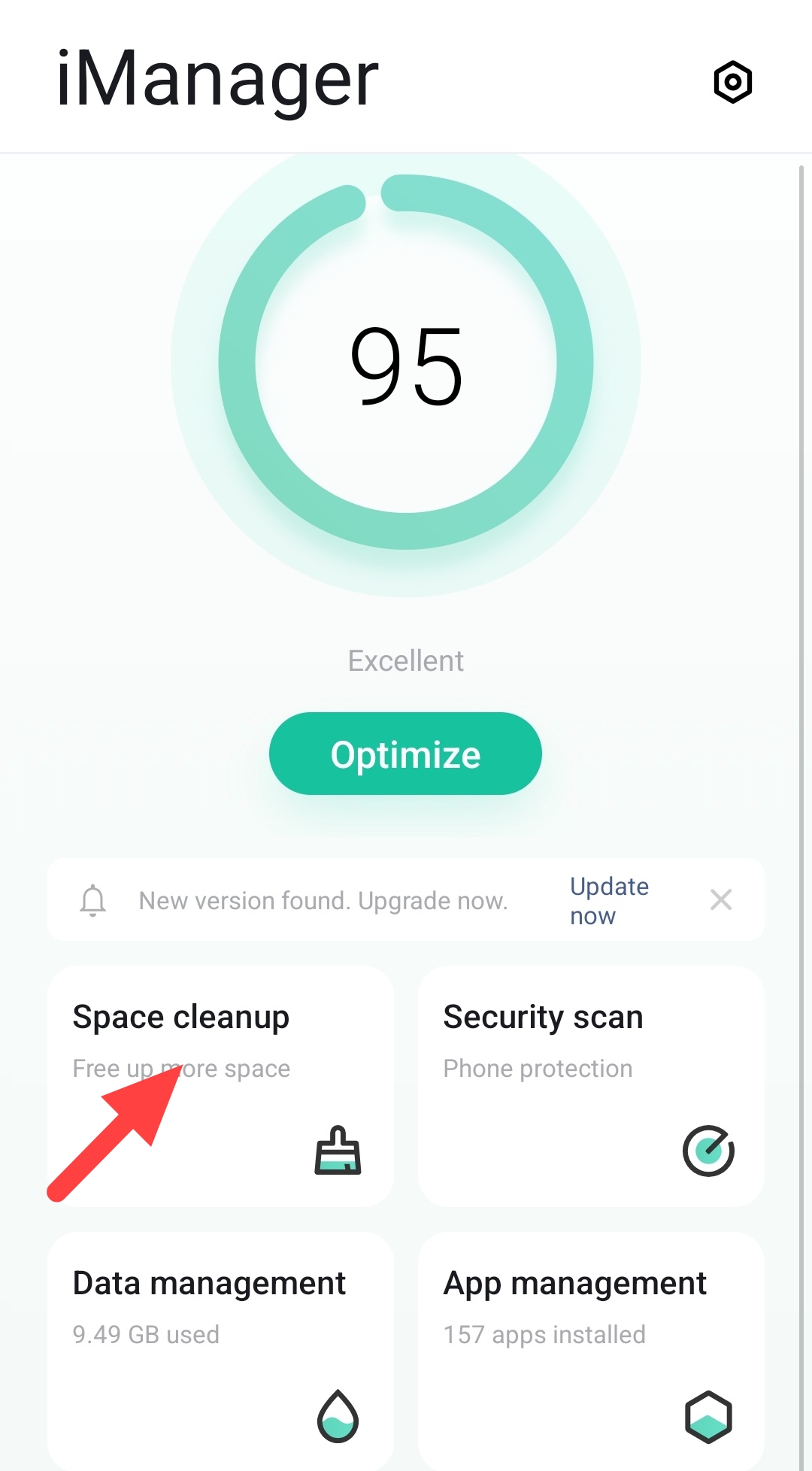
2. Then click on Space cleanup as shown below.
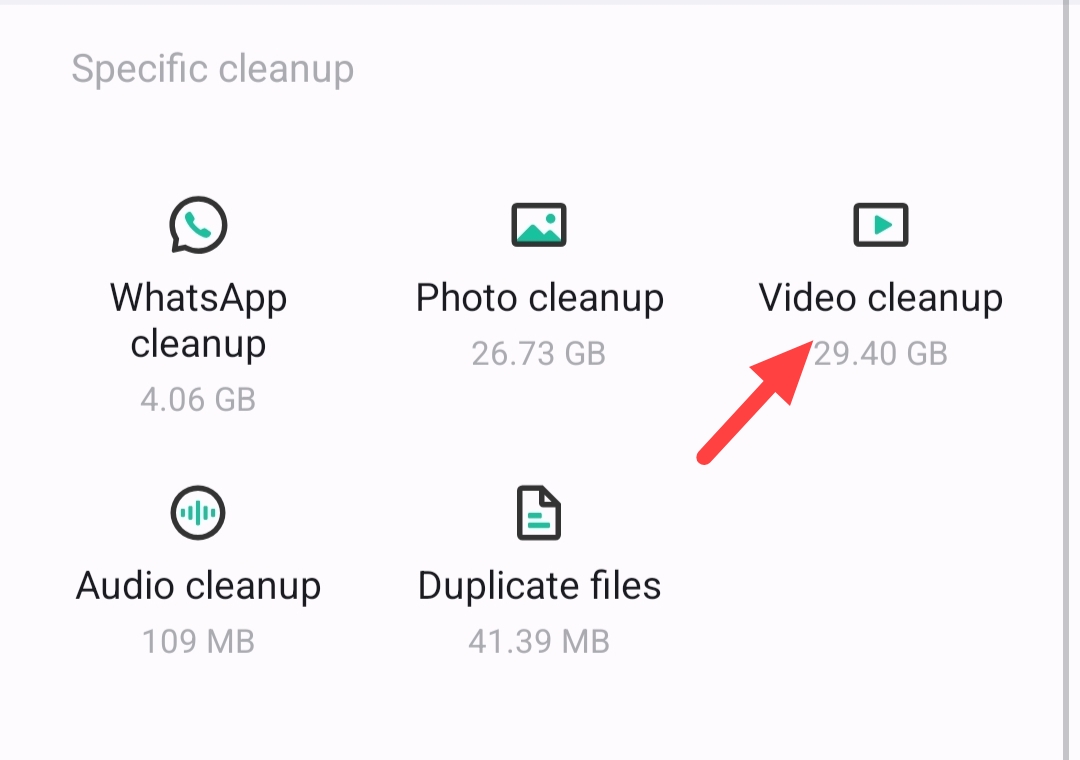
3. Now Click on Video cleanup option on the screen.
4. Click on Slim now.
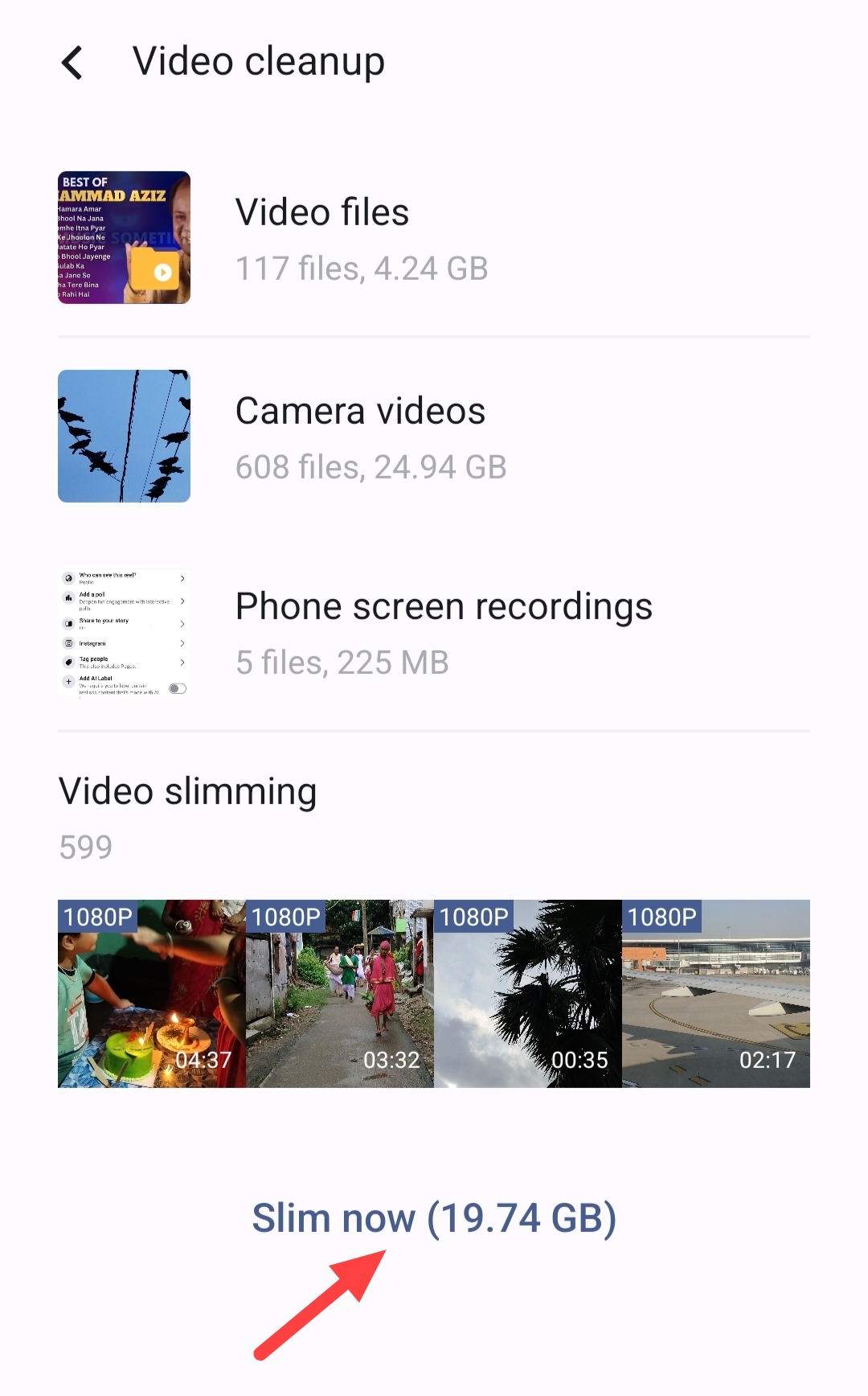
5. Now choose the videos you want to slim and click on it.
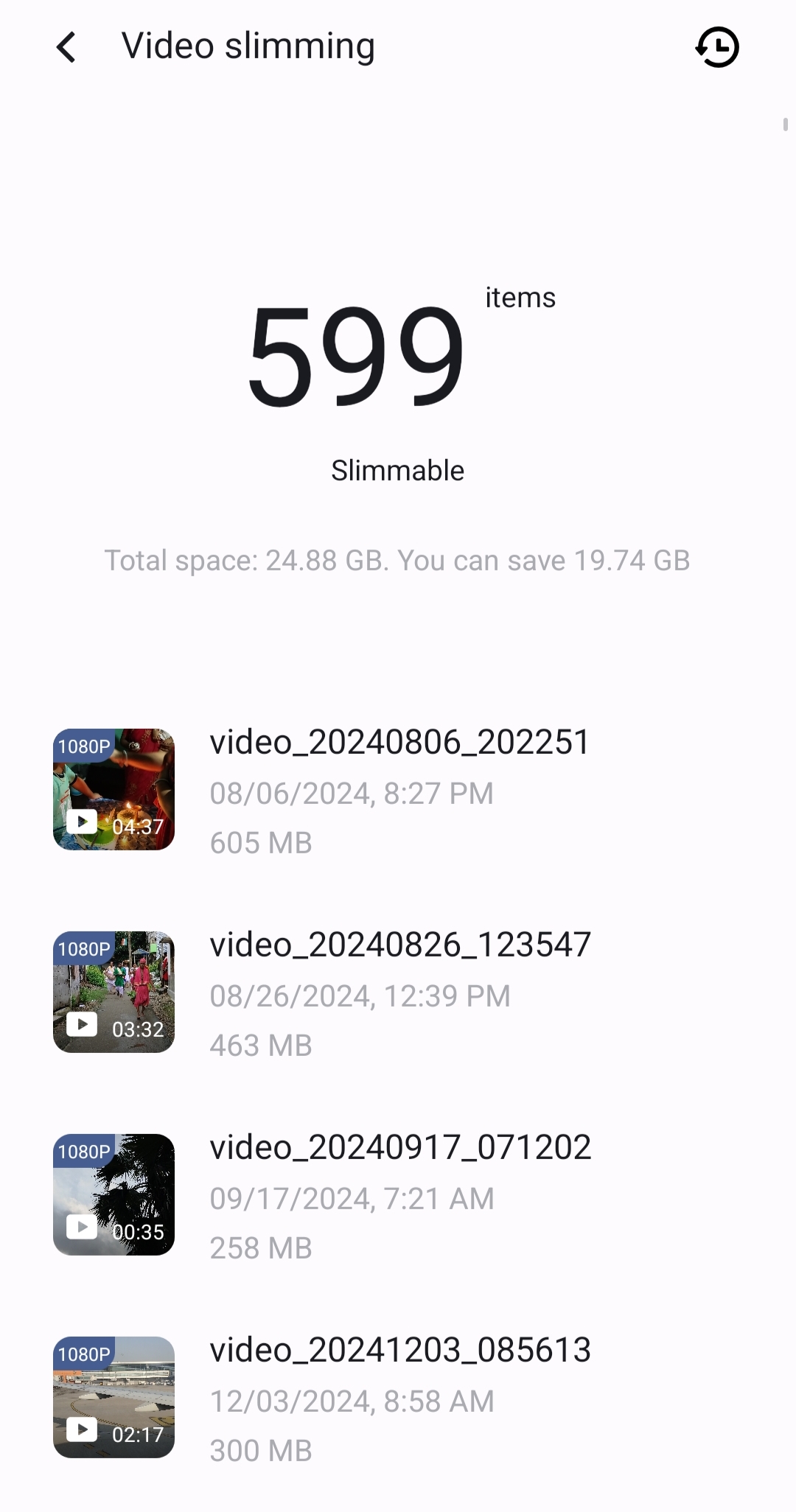
6. Here you can check the file size before and after slimming. Click on Slim now option below.
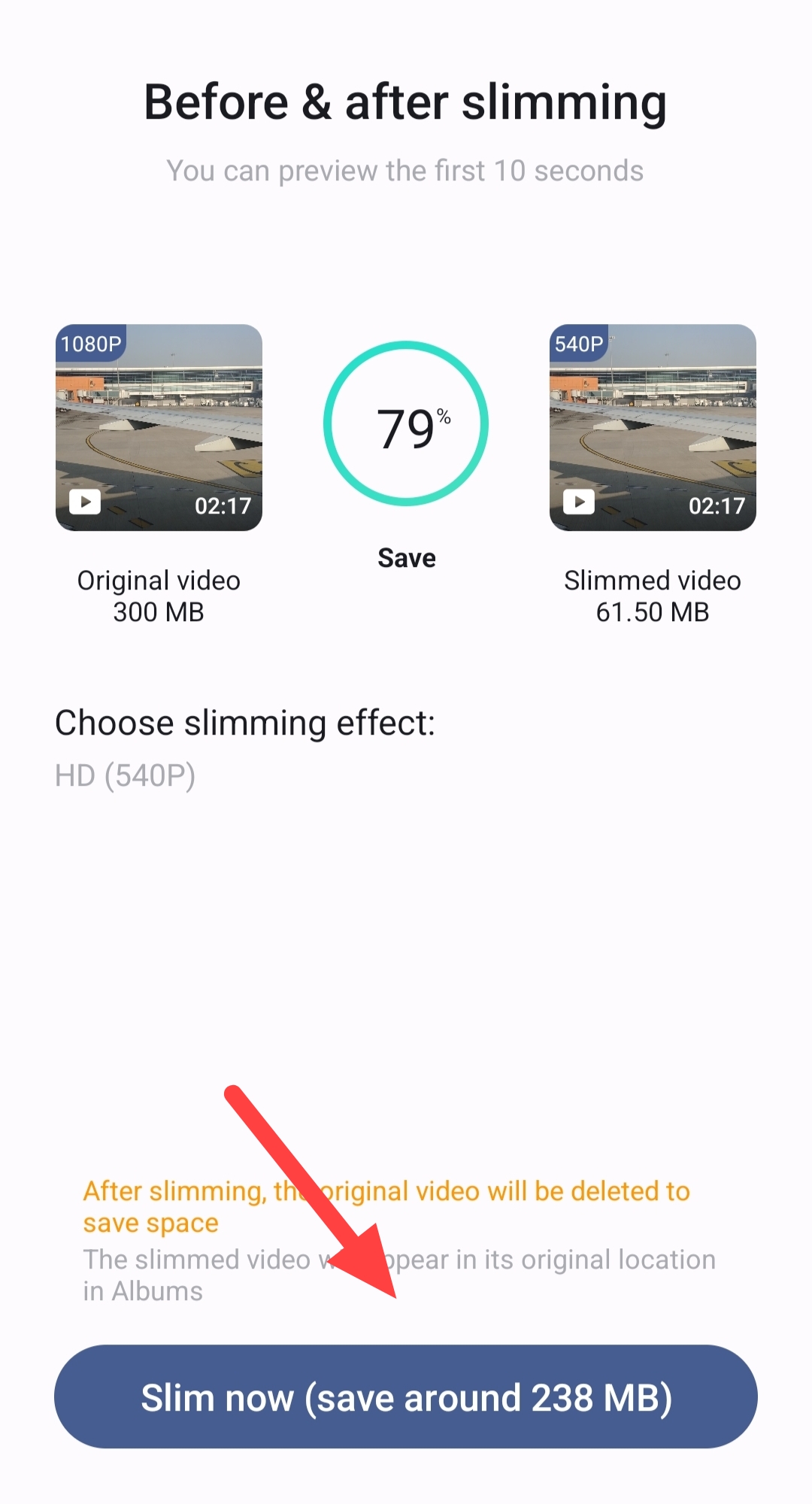
7. You'll see Slimming in progress. It is recommended not to stop or exit while slimming.
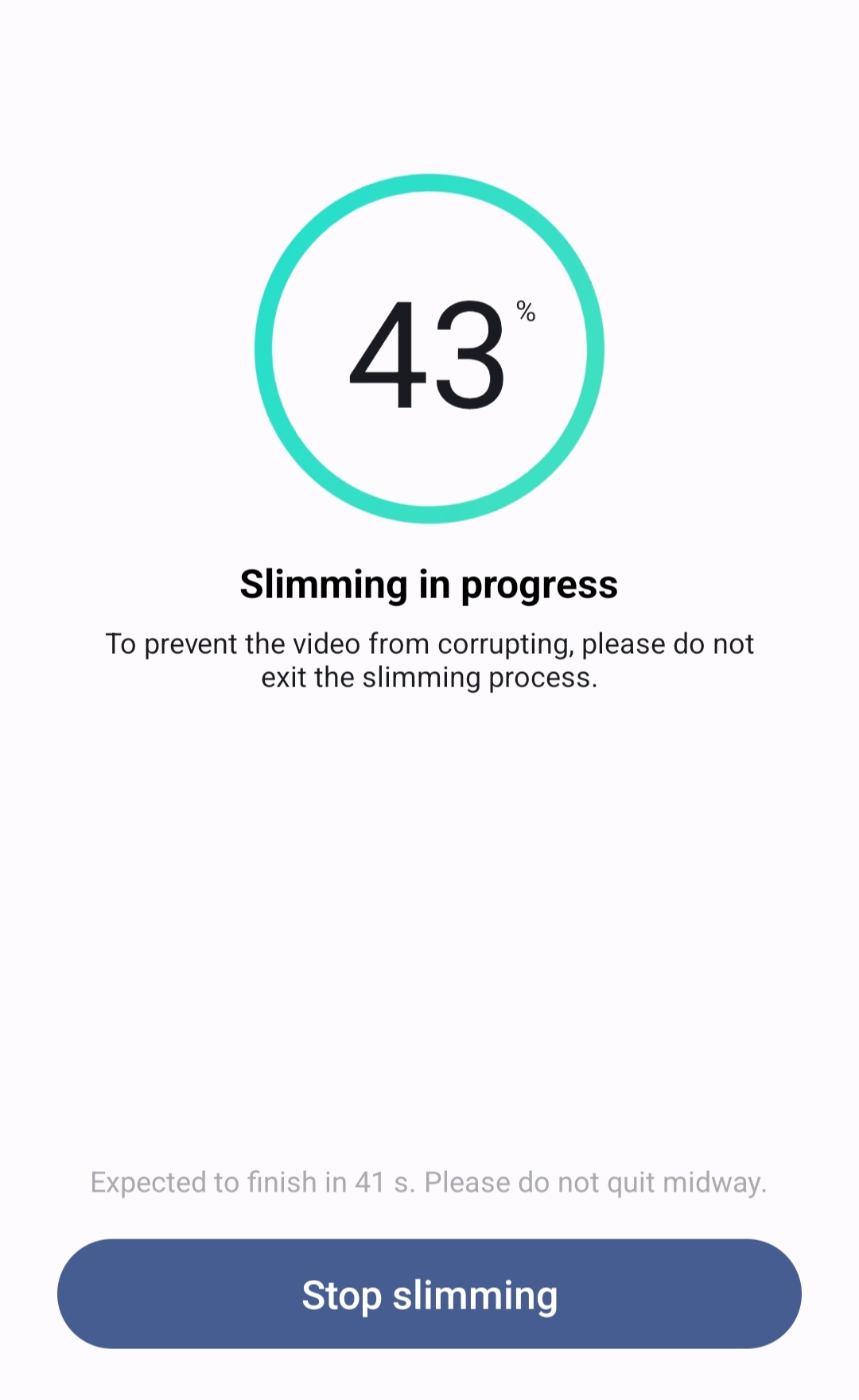
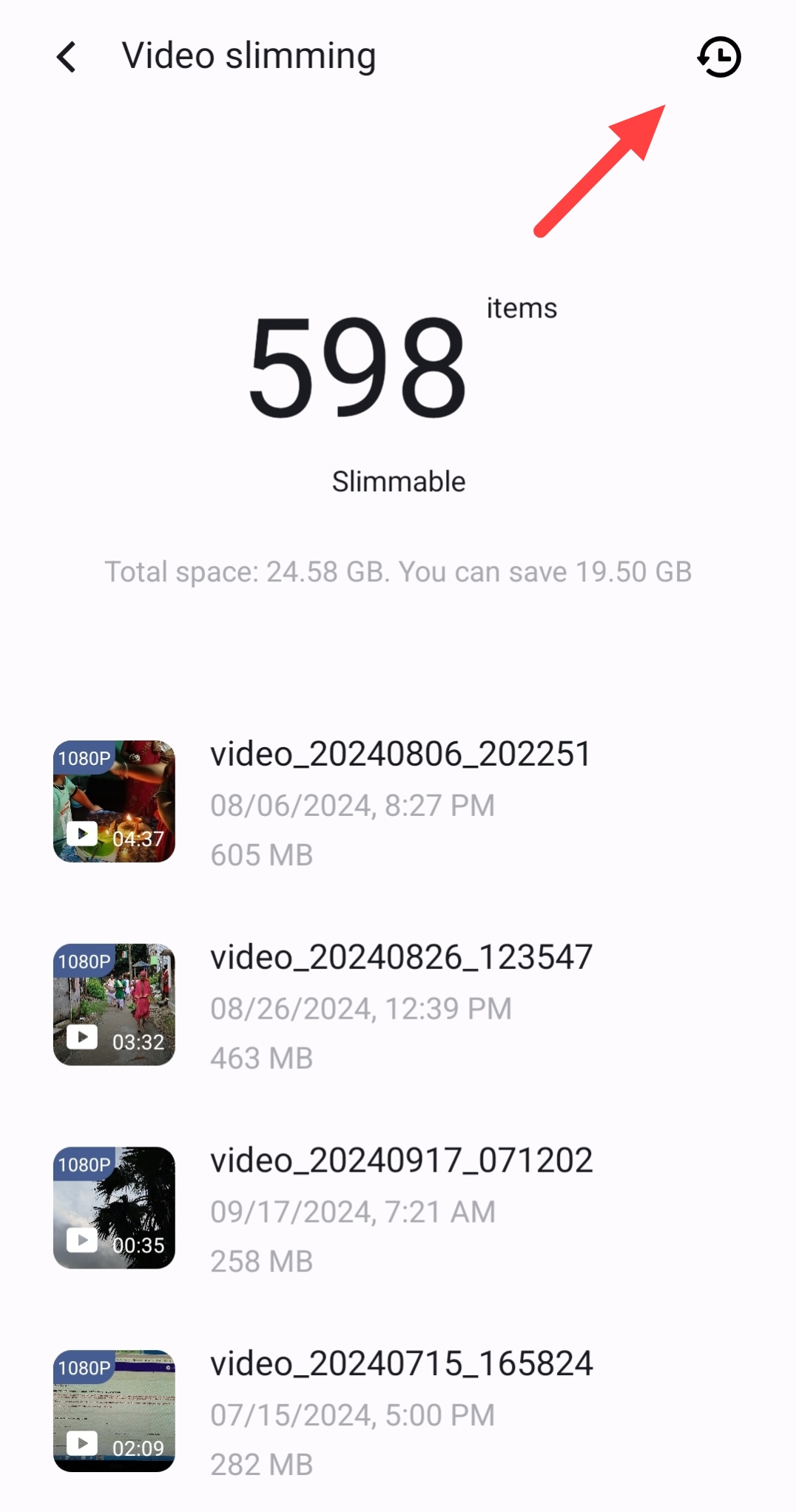
8. Wait till whole process. It will take few seconds to complete. Then you will see the image below. What you have slimmed will be absent from the list of videos below. Now click on the option at upper right corner to find out your slimmed videos.
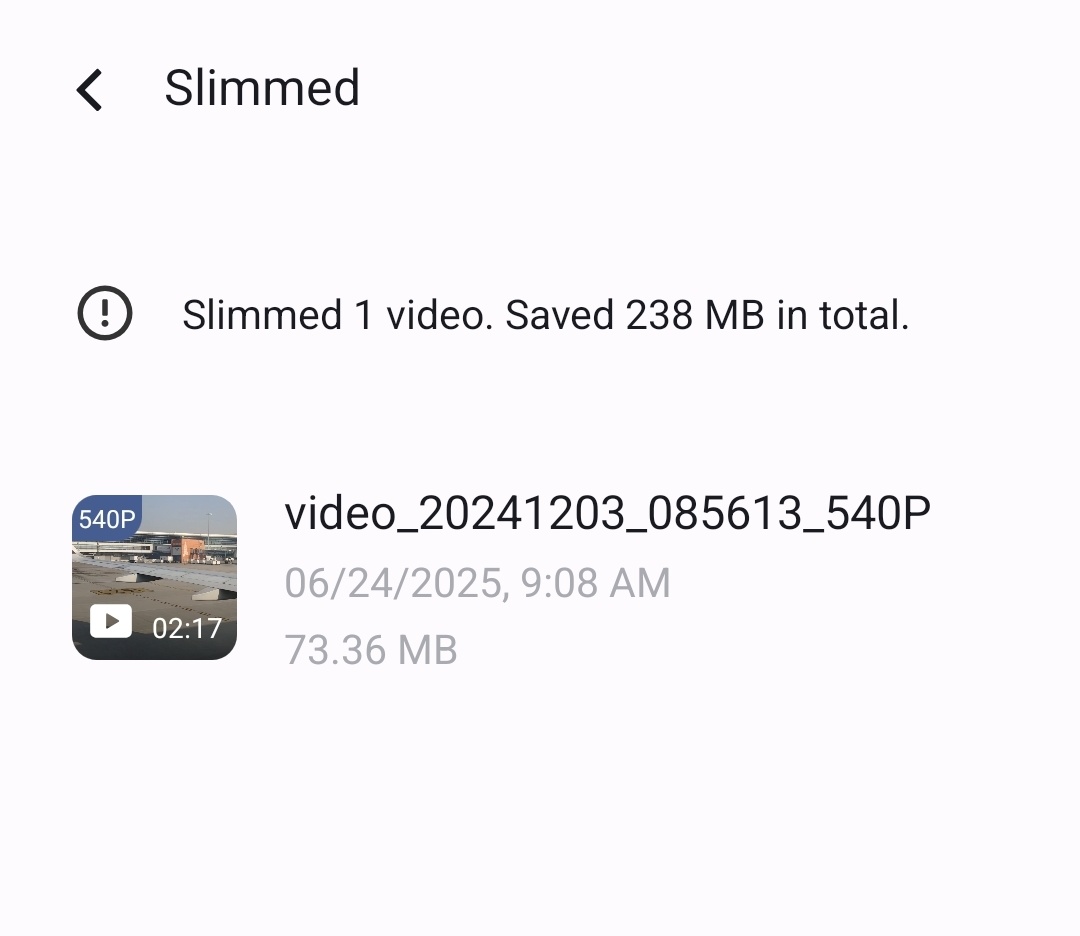
9. Here is your new slimmed video you have opted
Please sign in
Login and share