


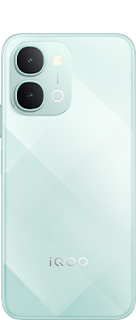
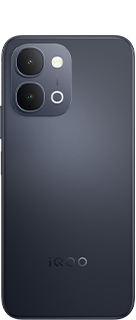
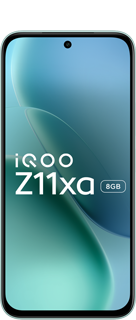






















I tested the OriginOS 6's AI Creation Suite on iQOO Z11 Lite | Part 1 | Notes

Hello, iQOO Fam!
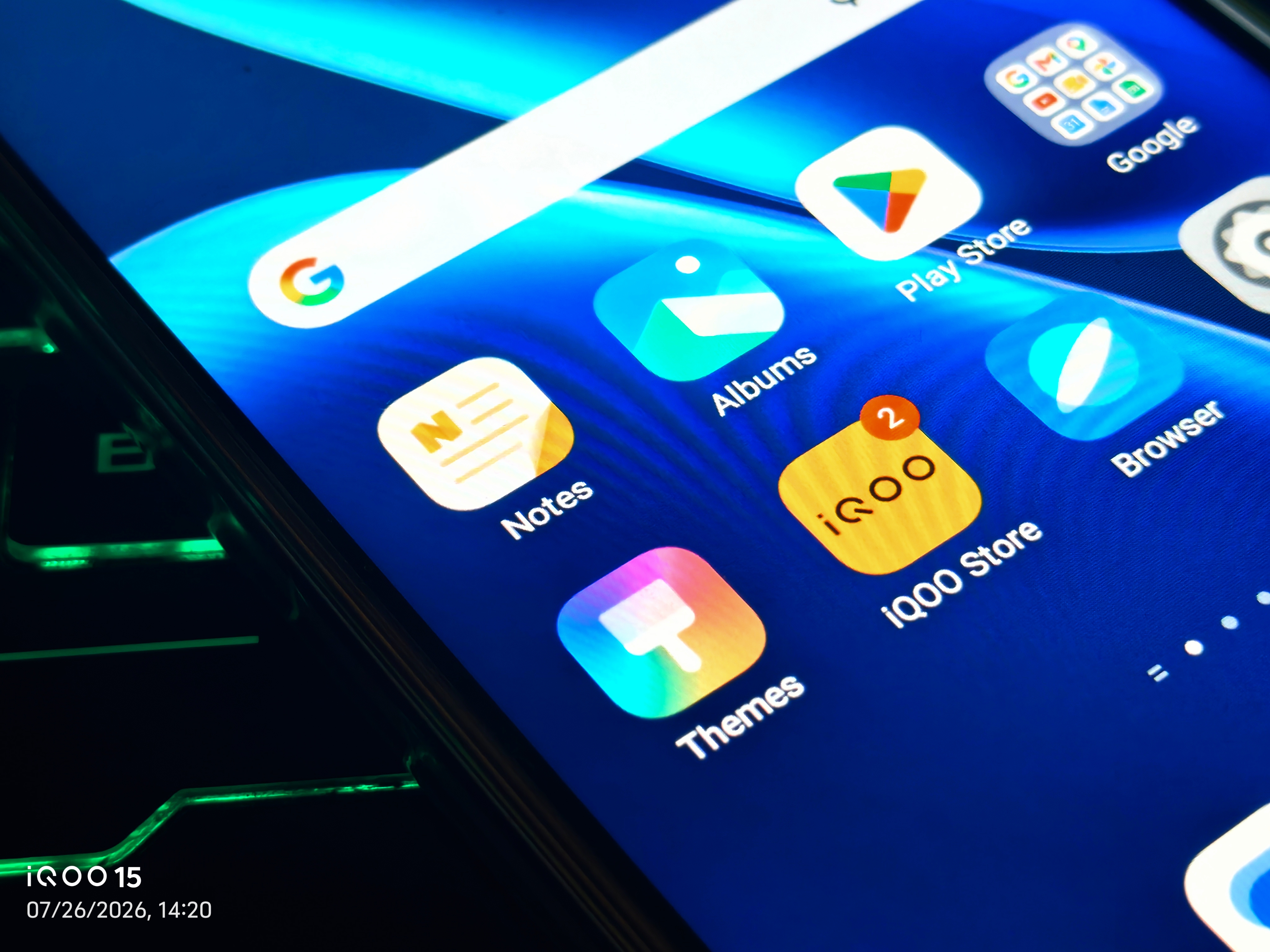
I've been digging into a feature that often goes unnoticed but is incredibly powerful for boosting daily productivity: the revamped Notes app on the iQOO Z11 Lite , powered by OriginOS.
This isn't just any notes app — it's packed with intelligent AI features and a user-friendly interface designed to make note-taking seamless and efficient. Let's explore how you can leverage its capabilities to the fullest!
(This is Part 1 of a two-part series. In Part 2, I'll take a dedicated deep-dive into the app's AI Creation suite — including a surprise crossover with DocMaster.)
OriginOS 6 Notes App - Key Enhancements:
- The first thing you'll notice about the Notes app on your iQOO Z11 Lite is its refreshed and highly customizable user interface.
- Intuitive Navigation: The redesigned interface ensures that all essential functions are easily accessible, allowing for quick note creation and management.
Organize Like a Pro: Categories and the New "To-do" Tab
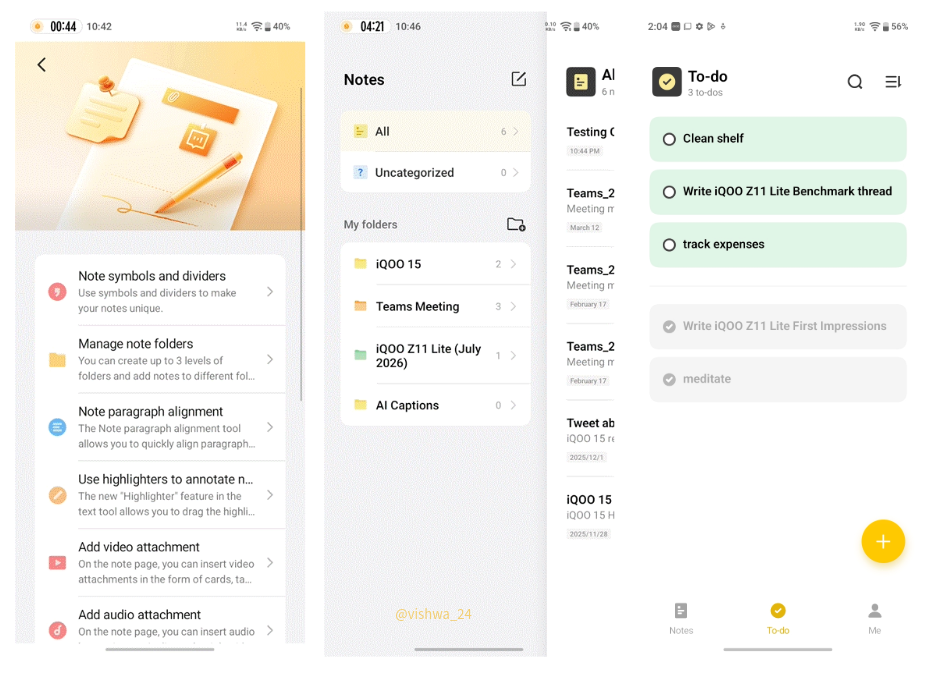
One of the biggest improvements in this Notes app is its enhanced organizational capabilities.
Whether you're a student, a professional, or just someone who likes to keep things tidy, the new categories and dedicated "To-do" tab will revolutionize how you manage your information
Features for Superior Organization:
- Categorization: Create custom categories to group your notes by topic, project, or any other criteria — no more endless scrolling through one giant list.
- Dedicated "To-do" Tab: Create checklists, set reminders, and prioritize tasks so you always know what matters most.
Seamless Continuity: Sync Across Devices with Your iQOO Account
In today's multi-device world, having your notes accessible everywhere is crucial. The Notes app on your iQOO Z11 Lite ensures you never miss a beat, thanks to seamless synchronization powered by your iQOO account.
Benefits of iQOO Account Sync:
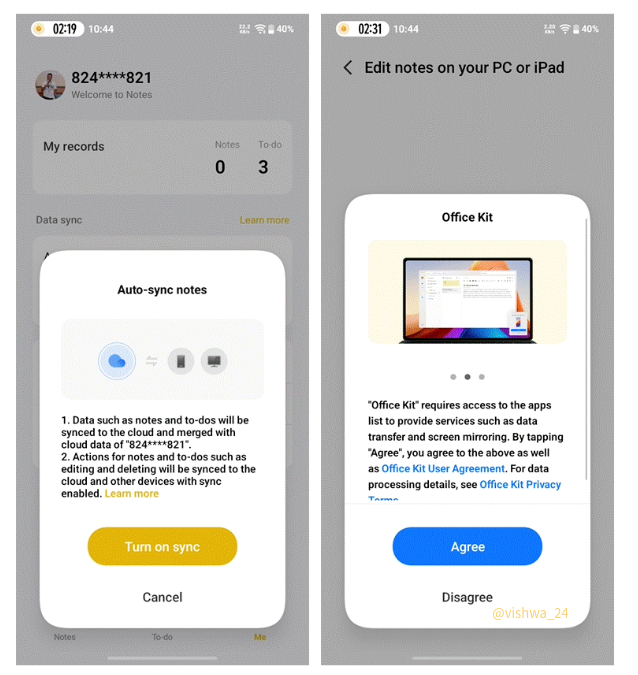
- Access Anywhere, Anytime: Your notes stay up to date across your iQOO devices and compatible web interfaces.
- Automatic Backup: Important notes are backed up to the cloud automatically.
- Effortless Transition: Start a note on your commute, keep editing it seamlessly when you get home or to the office.
- Unified Experience: Categories and to-dos stay consistent across all your logged-in devices.
OriginOS 6 Notes App - Quick Start Guide
- Set Up Your Categories — Create a new category from the main Notes screen. Start broad — "Work," "Personal," "Study," "Ideas" — then refine as you go
- Master the "To-do" Tab — Add tasks, set due dates and priority levels, and check them off as you complete them.
- Ensure iQOO Account Sync is Active — Go to Settings → Accounts → iQOO Account, and make sure "Notes" or "Cloud Sync" is enabled.
That covers the core note-taking experience — customizable, organized, and synced across your devices.
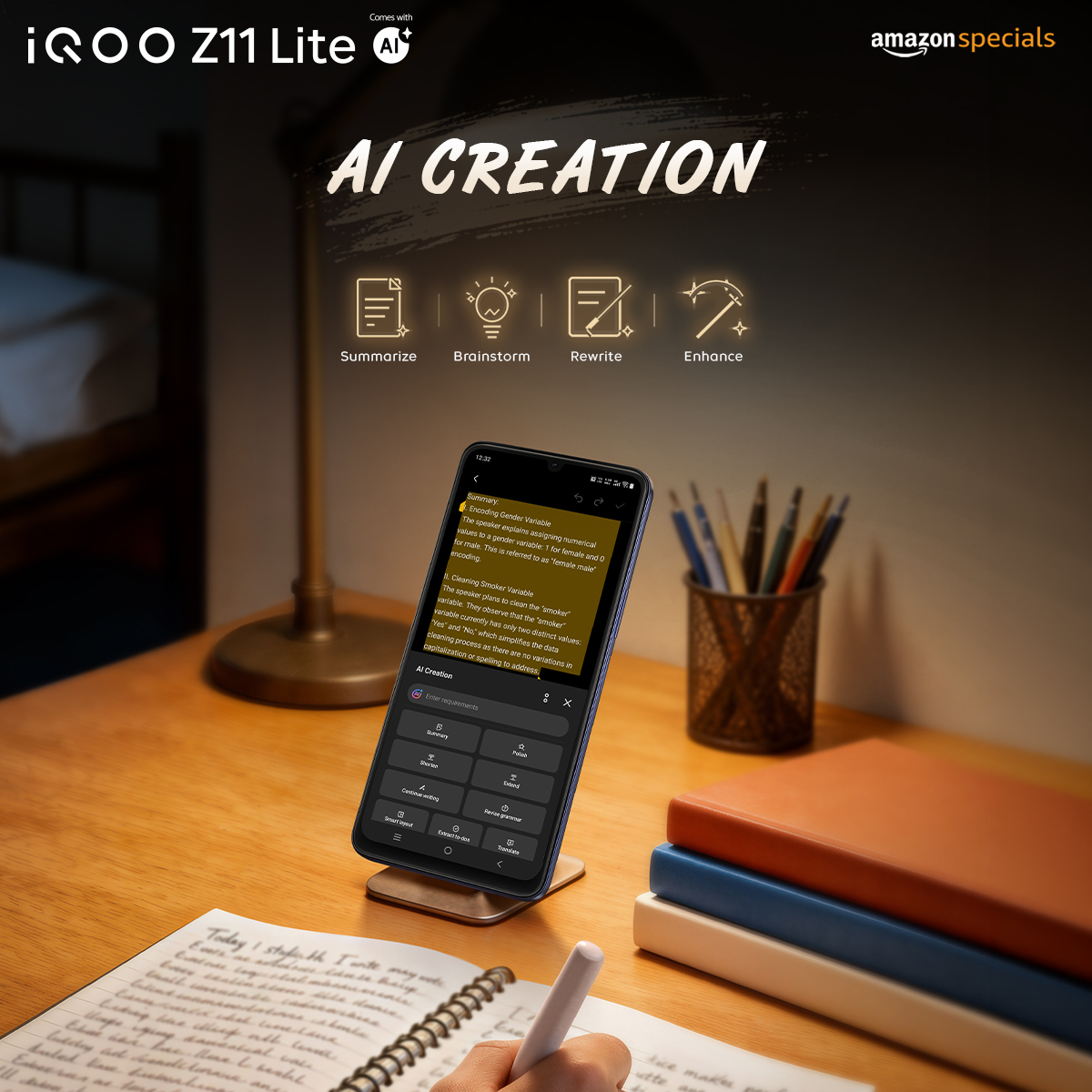
But I've saved the most interesting part for Part 2: the Notes app also comes with a full AI Creation suite built in, and it doesn't stop at Notes either.
UPDATE: Part 2 of this post is also live. You can check the thread, "I Tested the OriginOS 6's AI Creation Suite on the iQOO Z11 Lite | Part 2," here !
Signing off,
@iQOO Connect RANGER!
Please sign in
Login and share