



























5 Everyday Tasks Made Easy with iQOO Z11's AI Captions & Recap

Hi iQOO Fam!
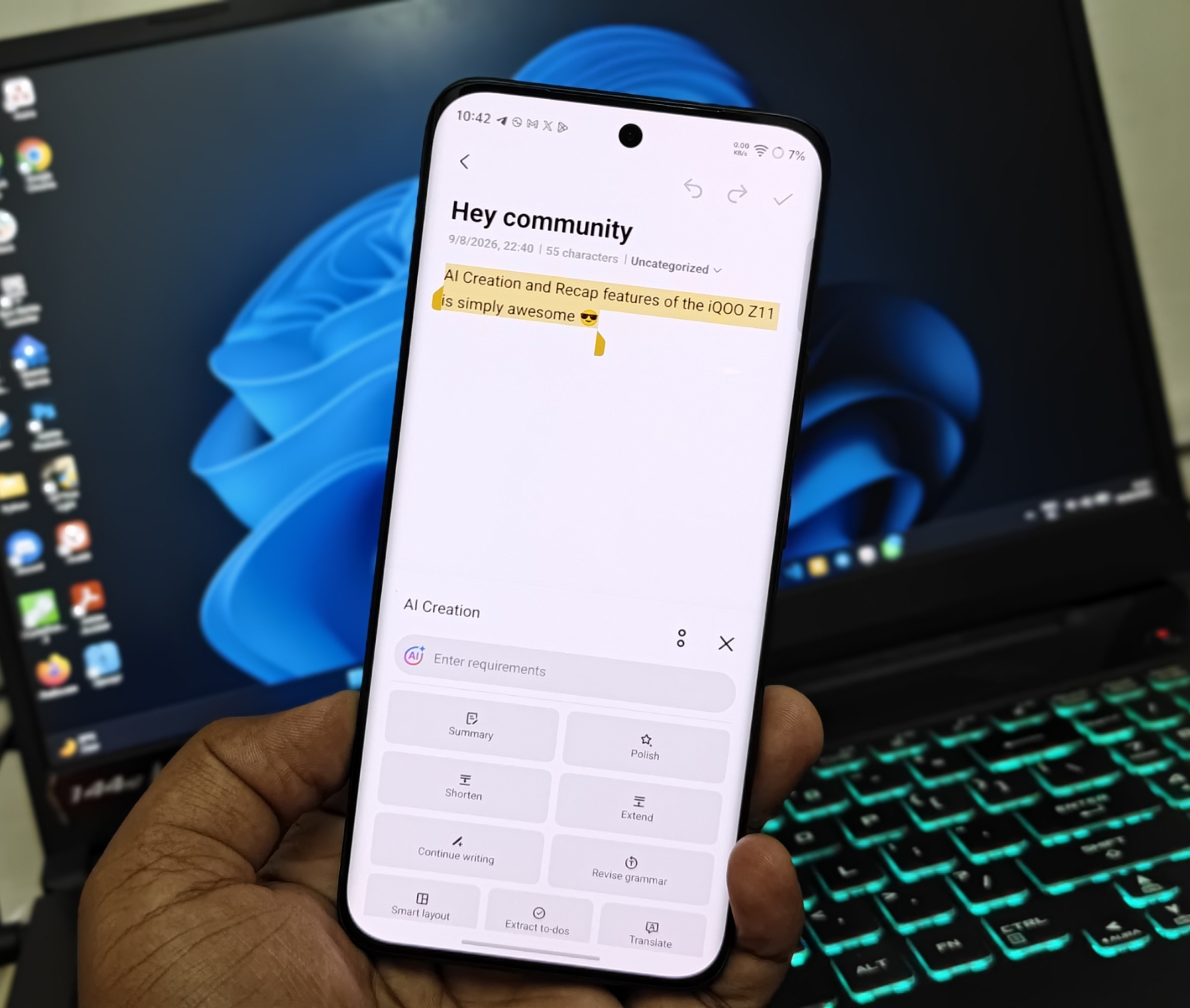
Vishwa here  , back with another one from the AI Creation corner—this time zooming in on a feature I think doesn't get talked about enough: AI Captions on the iQOO Z11, and how it quietly recaps your day for you.
I've already dug deep into the Notes and DocMaster AI Creation suite on the Z11 Lite, and the Z11 carries that same DNA forward—but AI Captions is a different beast entirely. It's built around real-time transcription and translation, and it doesn't just caption—it saves the transcript straight into your Notes app for later. Here are 5 everyday situations where this genuinely earns its keep.
Quick Answer: iQOO Z11's AI Captions delivers real-time transcription, translation, and summaries — supporting languages including Hindi and Urdu — and saves everything to the Notes app for later review. It's built to handle meetings, online classes, YouTube videos, group discussions, and multilingual conversations, with unlimited AI credits offered to students.
1. Recording and Recapping Work Meetings
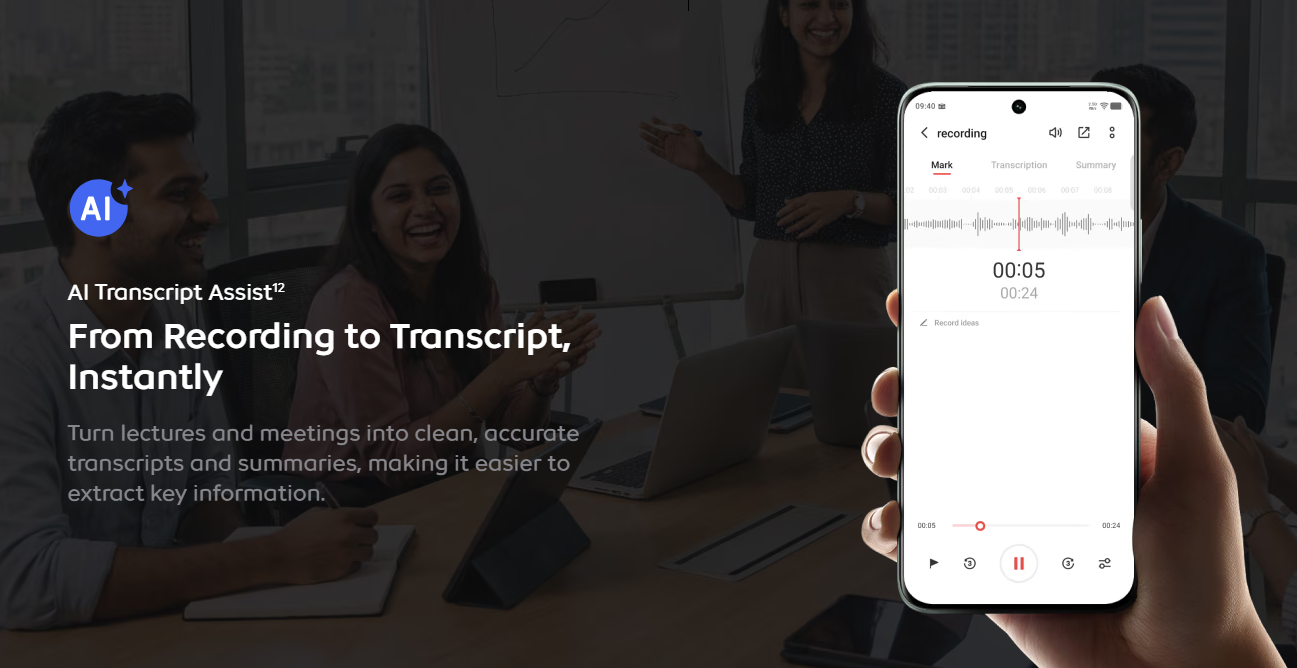
Enable AI Captions before a call or an in-person meeting, and the Z11 records the full conversation with live, real-time captions on screen — no manual note-taking required. Once it's done, the transcript is automatically saved to the Notes app, ready to be run through the AI Creation suite for a clean summary or to extract action items.
For anyone who's ever walked out of a meeting forgetting half the decisions made, this closes that gap entirely.
2. Never Missing a Word in Online Classes
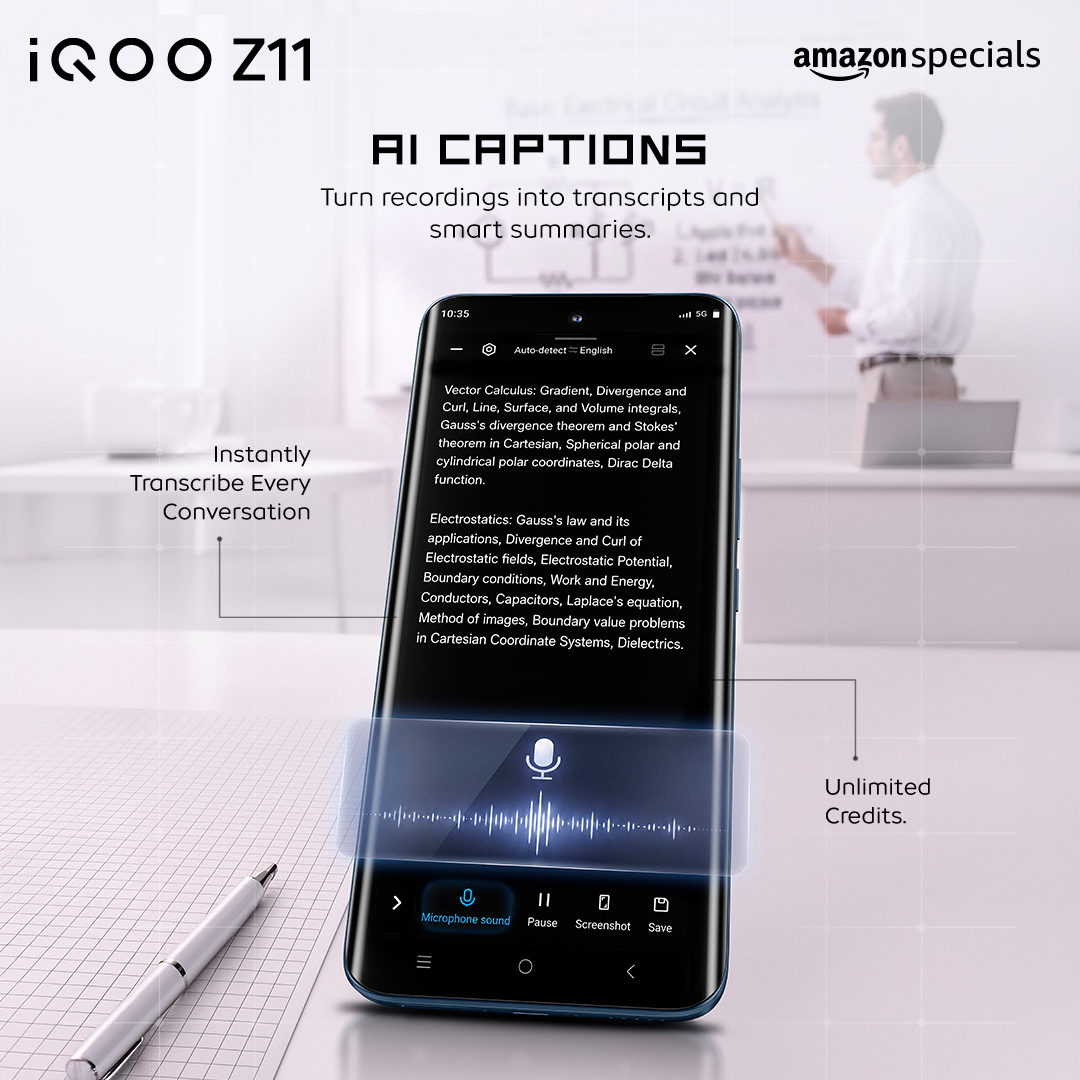
This is where the "student-first" positioning of the Z11 really shows up. Turn on AI Captions during a live online class or lecture, and it transcribes the session in real time—so instead of frantically typing notes while trying to actually listen, you can focus on the class itself.
Afterward, the saved transcript sits in Notes, where the AI Creation tools can condense it into a clean set of study notes or pull out the key points—essentially auto-generating your revision material.
3. Turning YouTube Tutorials into Study Notes
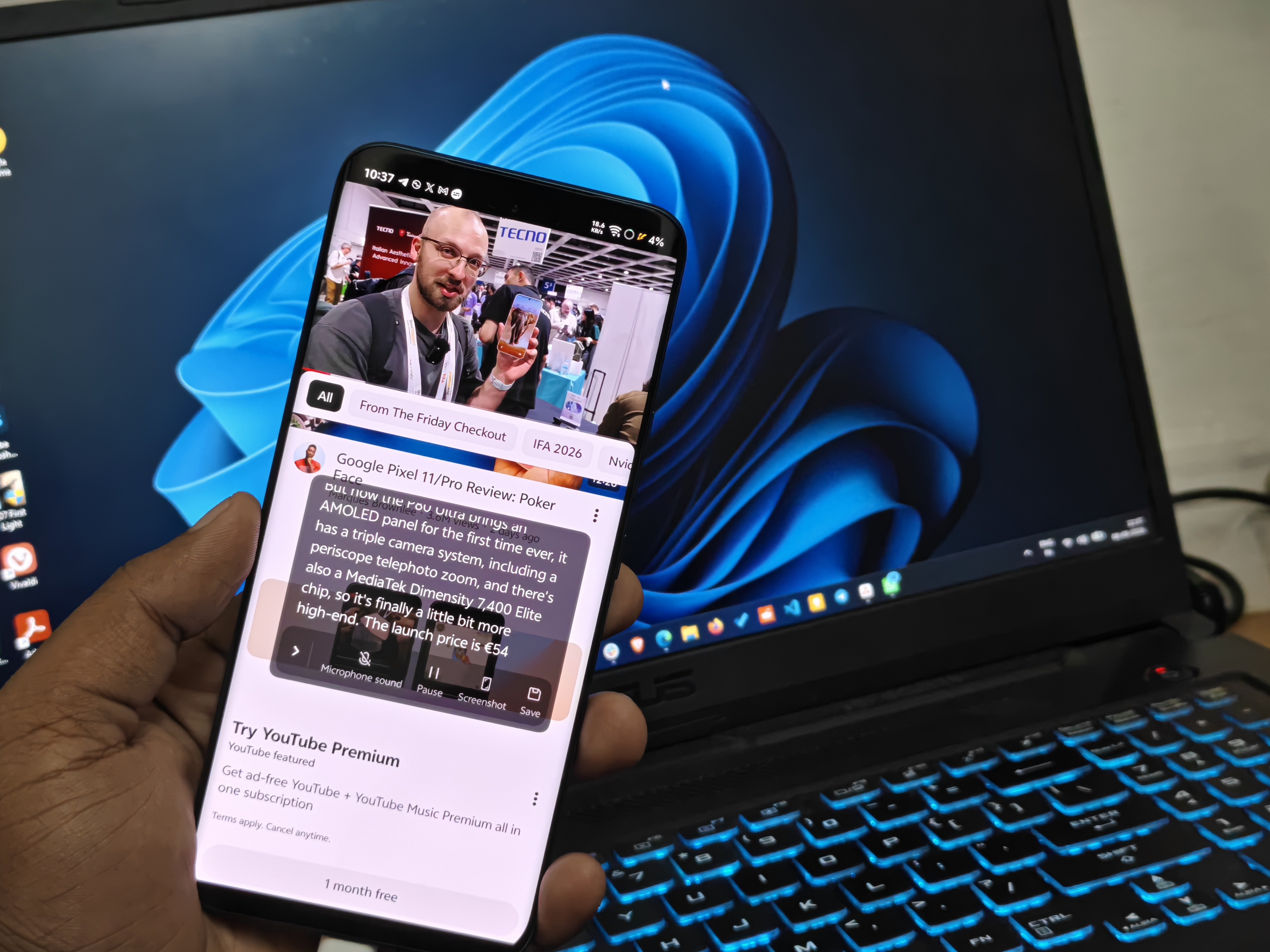
Watching a long tutorial or explainer video and want the key points without rewatching the whole thing? AI Captions works here too, transcribing spoken content in real time as the video plays. Instead of pausing every few seconds to jot things down, let it run in the background and revisit the saved transcript afterward.
Pair this with the Summarize whole article tool from AI Creation, and a 40-minute video turns into a few paragraphs you can actually revise from.
4. Group Project Discussions, Simplified
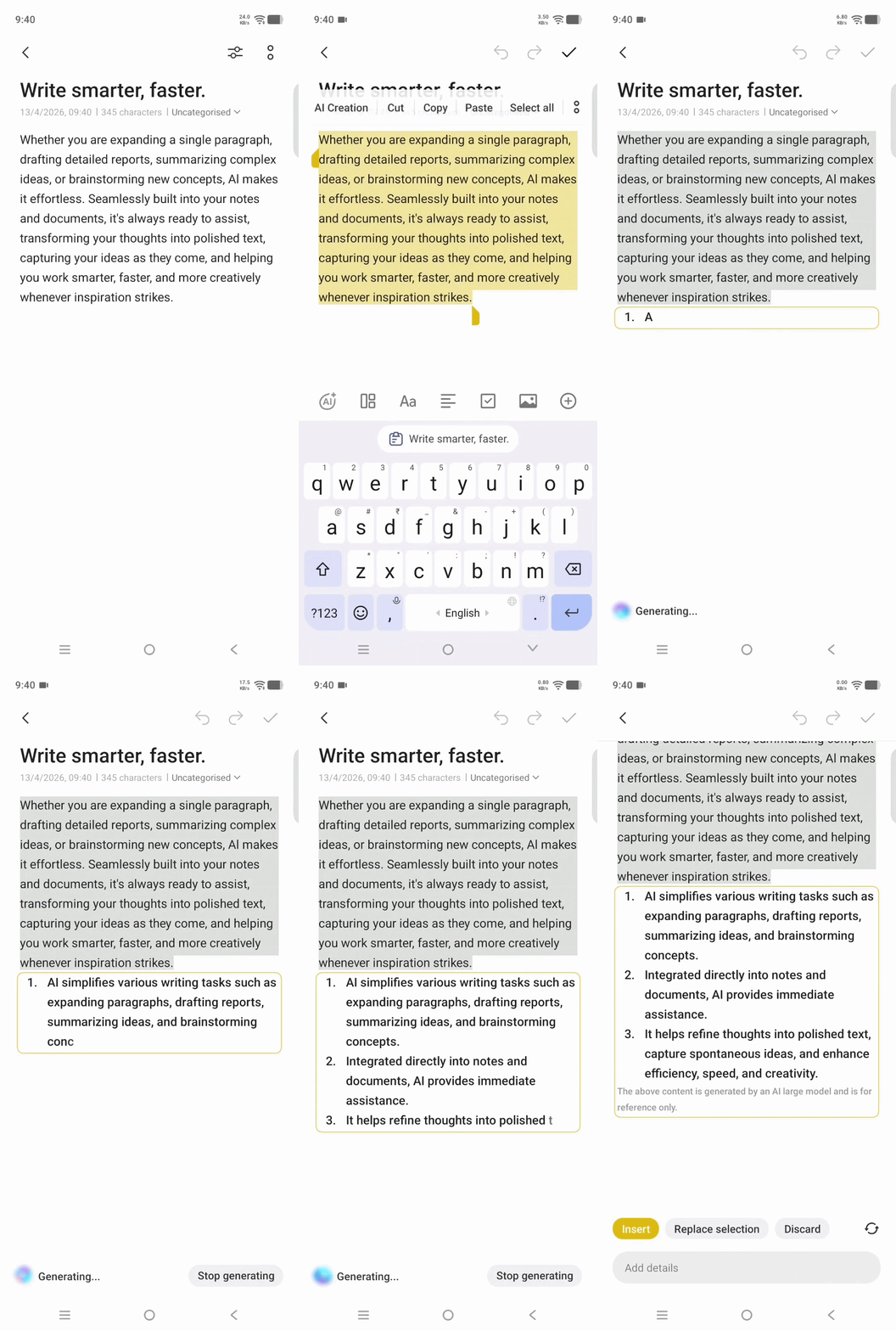
Group discussions and brainstorming sessions tend to move fast, with ideas bouncing around before anyone gets a chance to write them down. AI Captions handles the transcription in real time, and once the discussion wraps, that transcript is sitting in Notes — ready for Extract to-dos to pull out the concrete action items, the same tool that stood out to me when testing the Z11 Lite's AI Creation suite.
It turns a scattered discussion into an organized task list with almost no extra effort.
5. Multilingual Conversations Made Effortless
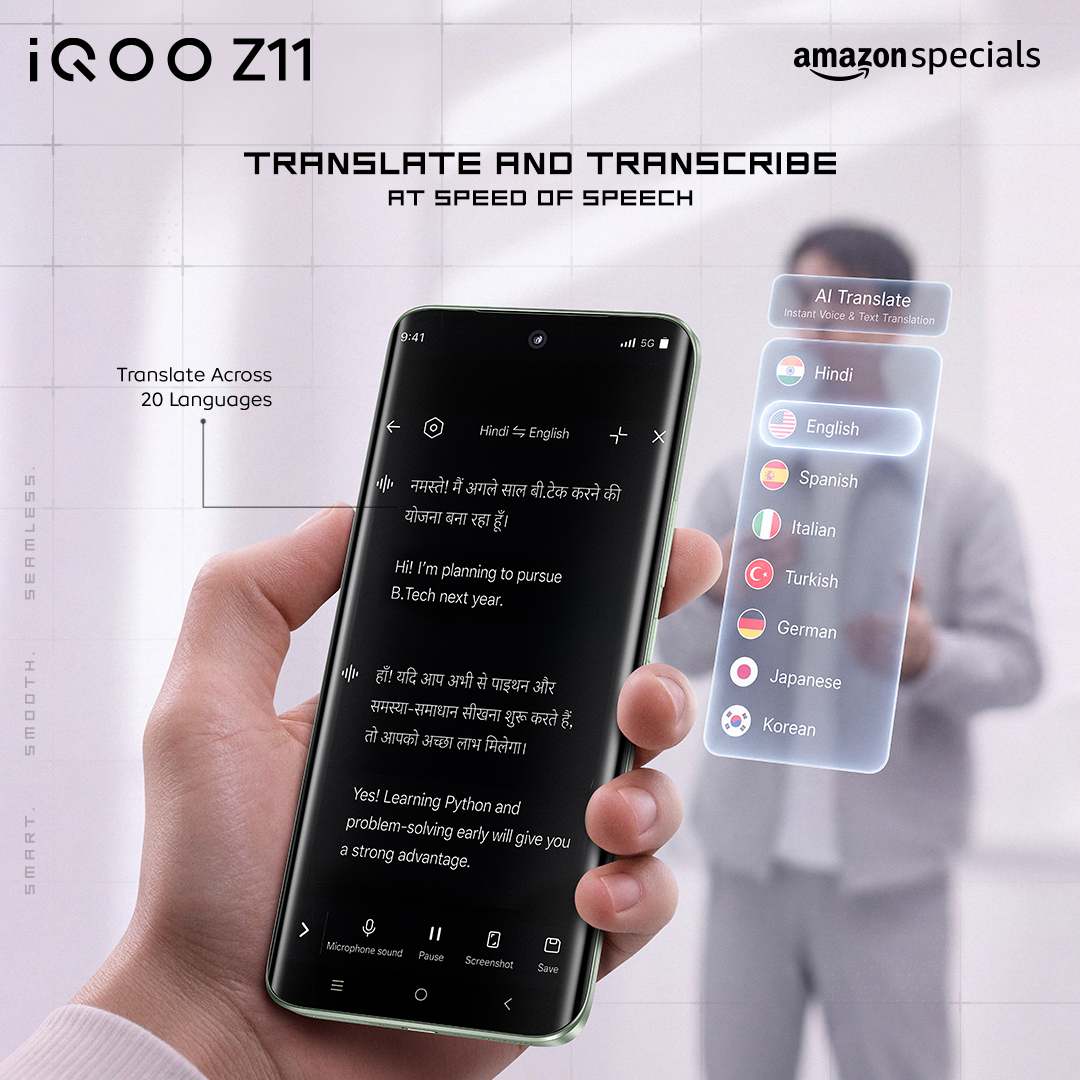
This is the standout for India specifically — AI Captions supports real-time transcription and translation with native support for Hindi and Urdu, automatically detecting the source language. If you're in a mixed-language conversation, class, or meeting, you're not stuck manually translating notes afterward.
Final Thoughts
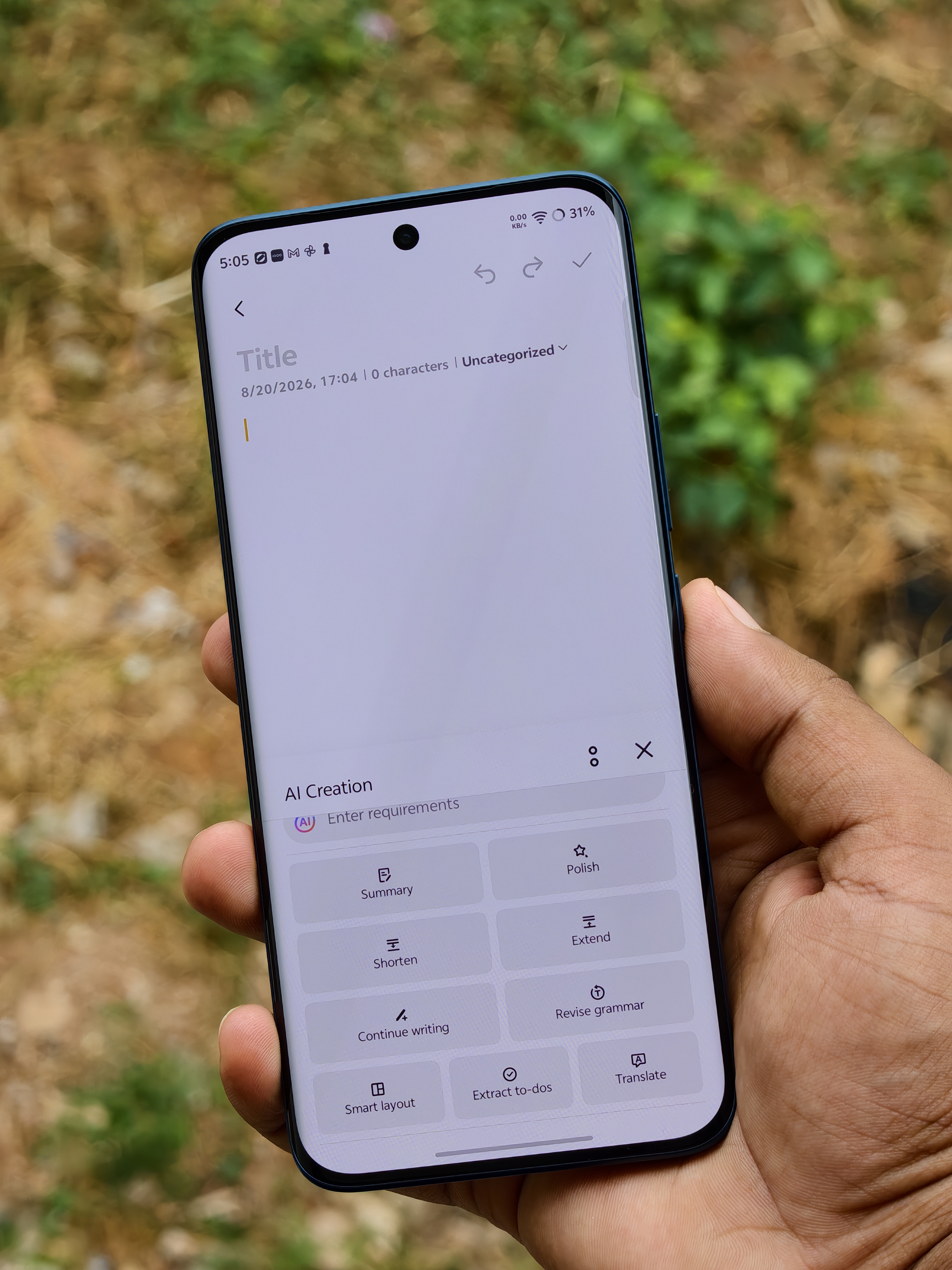
What stands out about AI Captions isn't just the real-time transcription — it's that the output doesn't dead-end there. Everything flows into Notes, where the AI Creation suite takes over for summarizing, polishing, or extracting action items.
It's less a standalone gimmick and more one connected workflow, which is exactly what a student or a working professional juggling multiple conversations a day actually needs.
And with iQOO offering unlimited AI credits for AI Captions and AI Creation to students, this isn't a feature you'll be rationing.
FAQs
Does AI Captions work for meetings and online classes both?
Yes — it handles real-time transcription for meetings, online classes, group discussions, and even YouTube videos, saving the transcript to Notes each time.
Which languages does AI Captions support?
It includes native support for Hindi and Urdu alongside English, with automatic source-language detection powered by a Gemini and Microsoft Azure multi-engine system.
Where do the AI Caption transcripts get saved?
Directly into the Notes app, where they can be further summarized, polished, or have to-dos extracted using the AI Creation suite.
Is there a limit on how much I can use AI Captions?
No, you get unlimited AI credits for both AI Captions and AI Creation on the iQOO Z11.
Which of these five would actually make your day-to-day easier—meetings, classes, or multilingual conversations? 👇
Signing off,
@iQOO Connect RANGER!
Please sign in
Login and share