
























What surprised me most after moving from OriginOS 6 to OriginOS 7

Hi iQOO Fam! Vishwa here, back with another interesting thread on the latest OriginOS 7
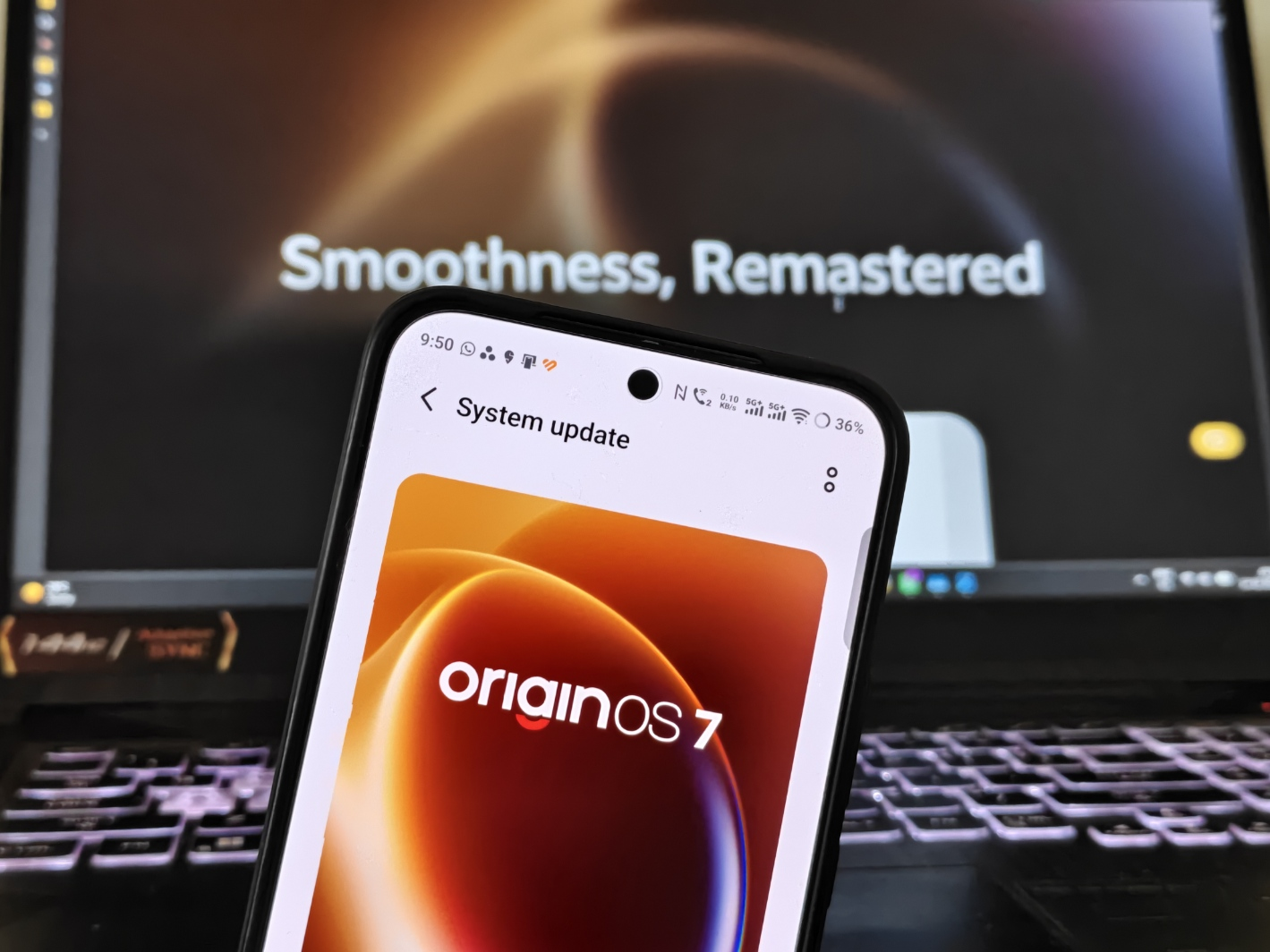
When I reviewed OriginOS 6 on the iQOO 15, my verdict was that it delivers on "Smooth at Origin." So I expected OriginOS 7 to be a small step up. It's more than that, but not in every area. Here's what surprised me, with OriginOS 6 as the yardstick, and a couple of places where I wasn't impressed.
Quick Answer: Compared with OriginOS 6, the biggest surprise is how much the motion changes the feel of the phone. Origin Workbench is the most useful addition, Spring Animation is the most noticeable, and the Wiggle Theme is fun. (OriginOS 7 is still in closed preview, so things may change in the stable build.)
1. Fluid Motion
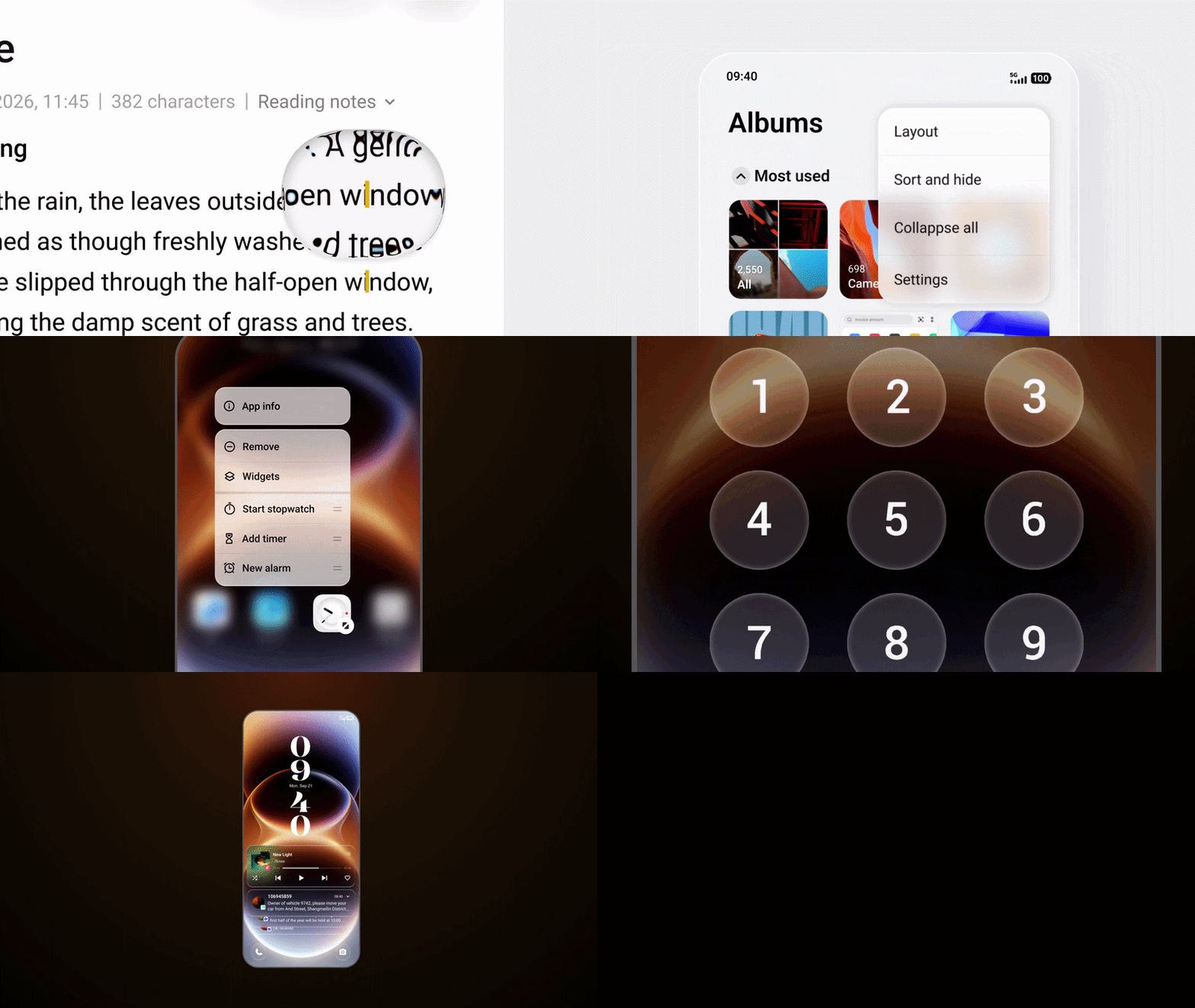
OriginOS 6 was smooth because its animations were snappy and the Blur Transition removed jarring cuts between screens. OriginOS 7 goes a step further. Elements deform and spring back with your gesture, and they separate and merge like water droplets from the lock screen into every app. On OriginOS 6, screens transitioned well.
On OriginOS 7, things feel like they travel from where your finger was to where they land. It's subtle, but this is a quiet upgrade, and a good one.
2. Spring Animation: The One I Noticed First
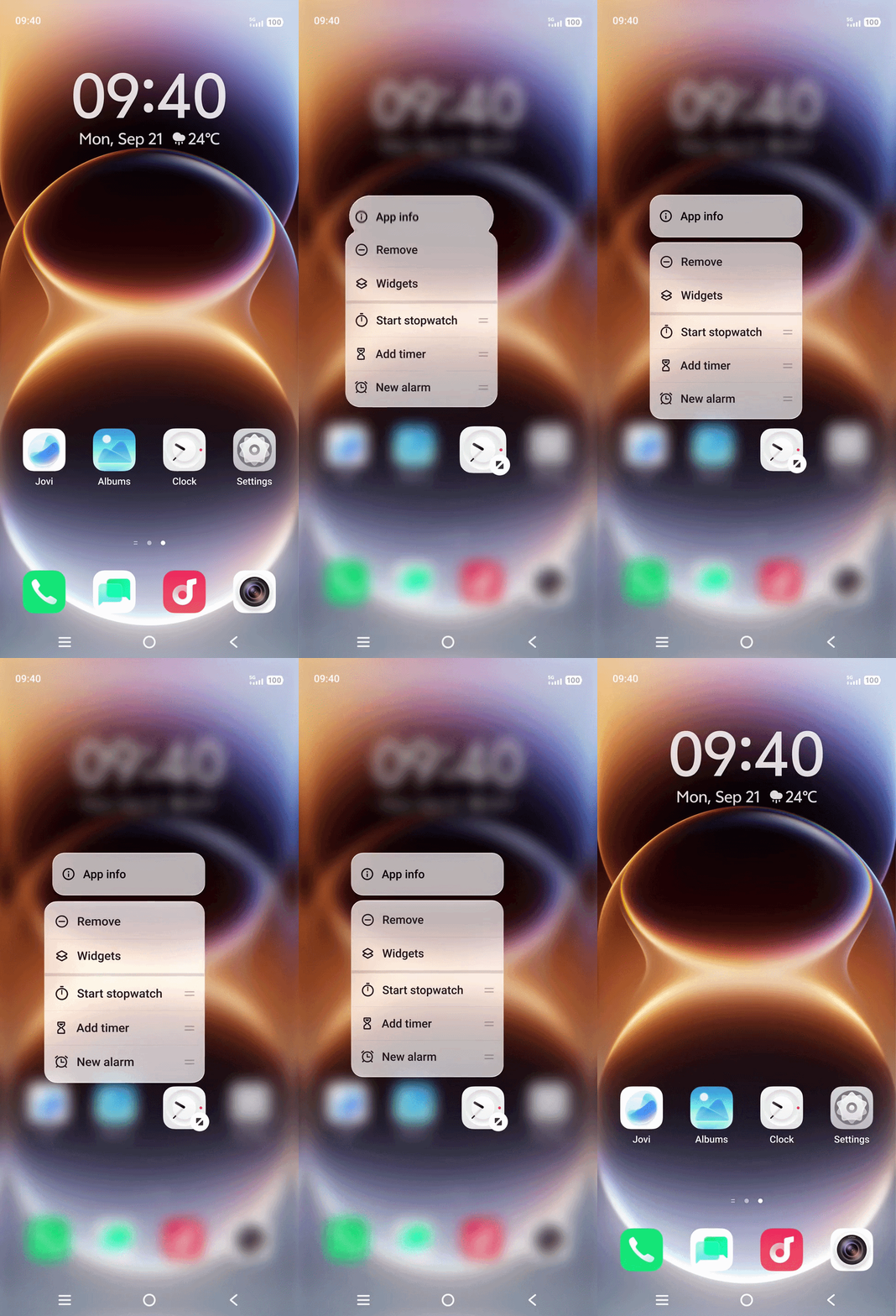
On OriginOS 6, animations were quick but felt the same whether I was rushing or relaxed. Spring Animation runs through the whole system, and it adapts. Swipe fast and it responds crisply; slow down and the bounce softens. Think of flicking through screens in a hurry versus scrolling slowly before bed.
I like this more than Fluid Motion because it reads your pace. If you prefer a plain, no-bounce UI, it may feel like extra. For most people, I think it's an easy win.
3. Origin Workbench: The Most Useful of the Five
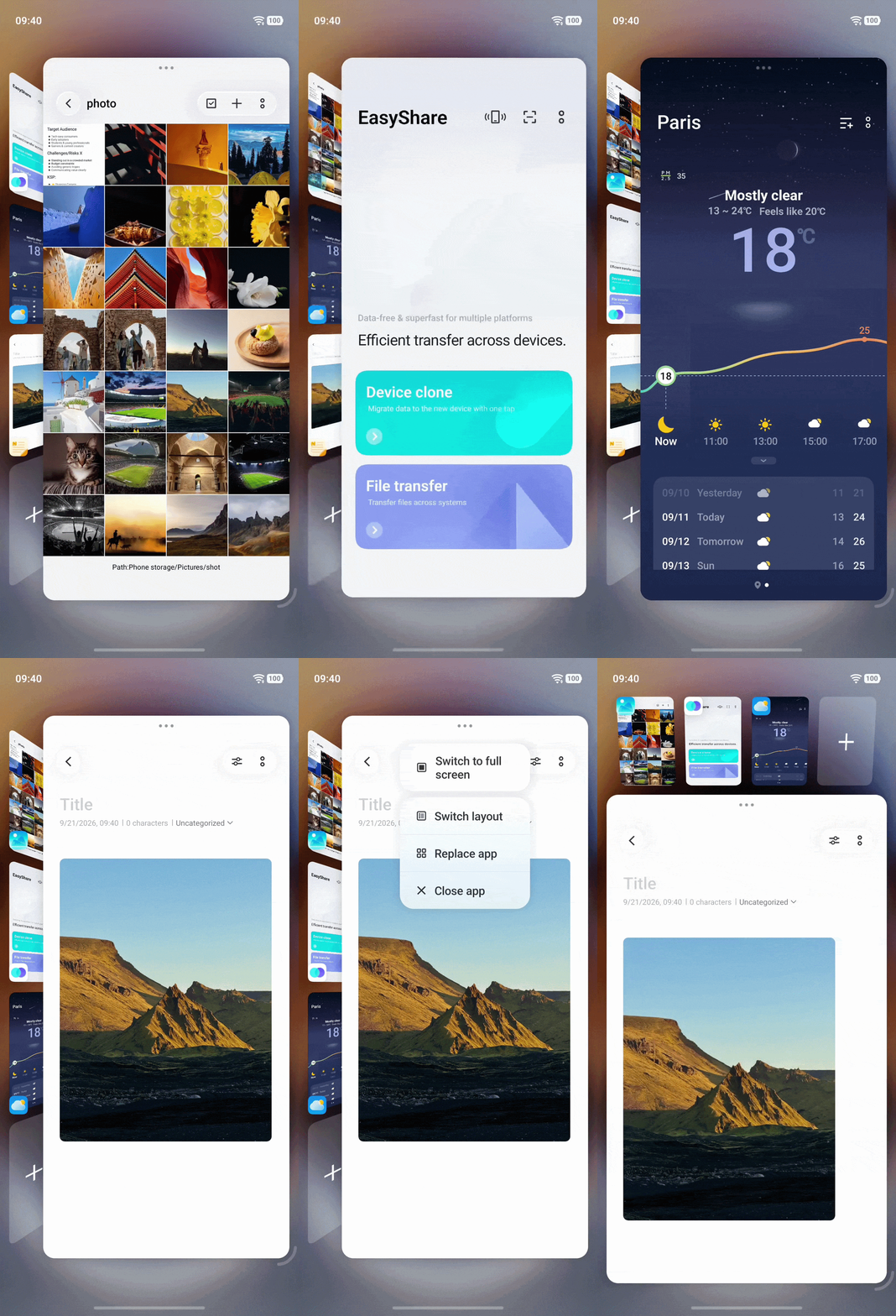
I called Origin Island “actually useful, not just pretty” on OriginOS 6, and I still think so, but it's built for glanceable tasks. Origin Workbench is built for real work, and it’s the one I use most. I switch between writing an article and doing research for my work, and inside one workbench I can keep all the research tabs sorted next to the article. One tap moves me between tasks, and each one stays exactly as I left it. OriginOS 6 only partly handled this, so for me it's the biggest practical upgrade of the five.
This is the feature I'd use most, because it solves an actual problem that OriginOS 6 only partly handled.
4. Transparent Effect + Dynamic Glow: Where the Premium Feel Comes From
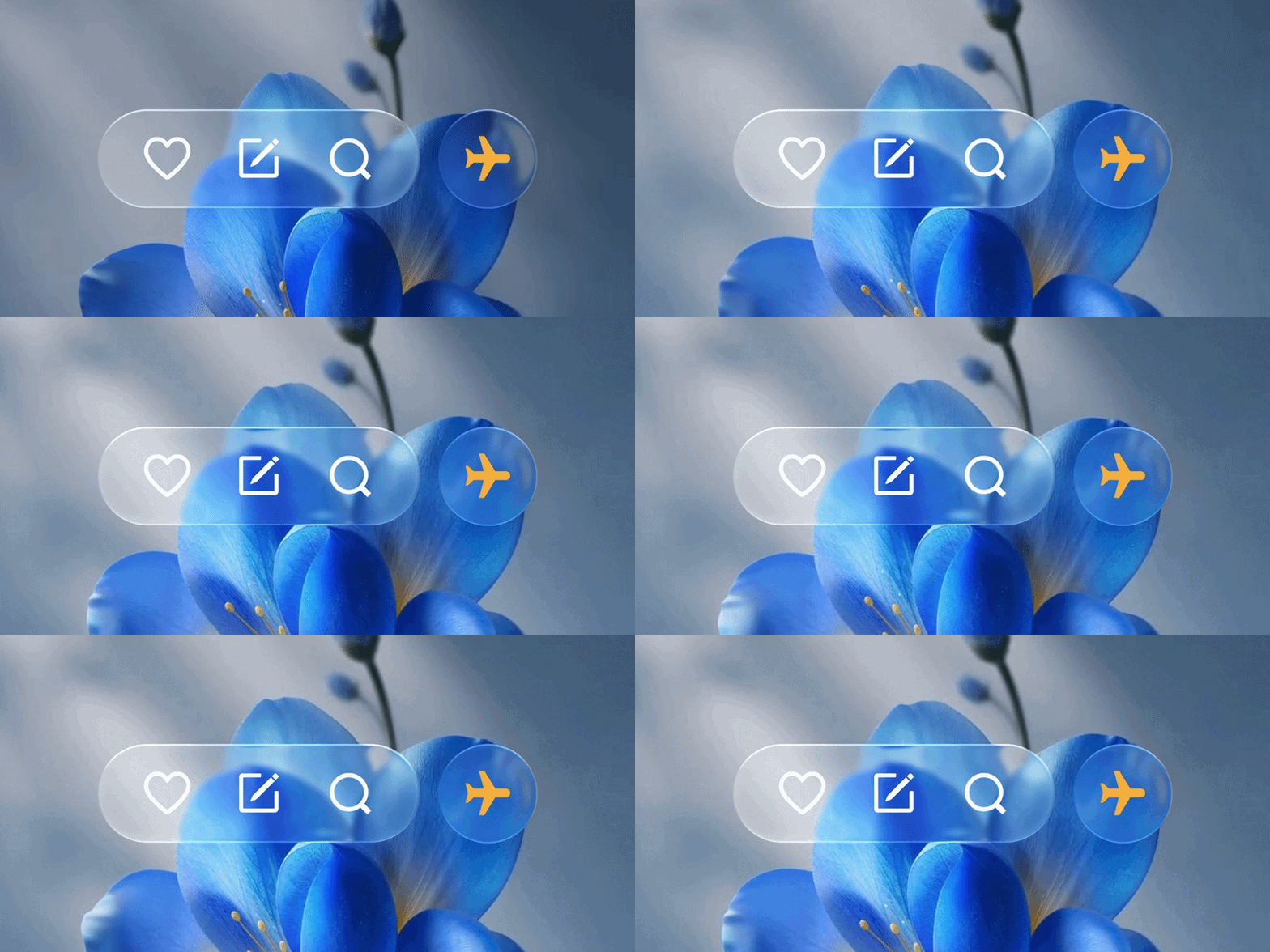
This is the look OriginOS 7 is most talked about for. OriginOS 6 had a frosted, glassy style, but here the material adapts naturally to whatever is behind it, so you get translucent, layered depth instead of flat panels. There are three styles: Realistic, Natural and Soft. Dynamic Glow is built on top of that: light follows every tap and swipe in real time.
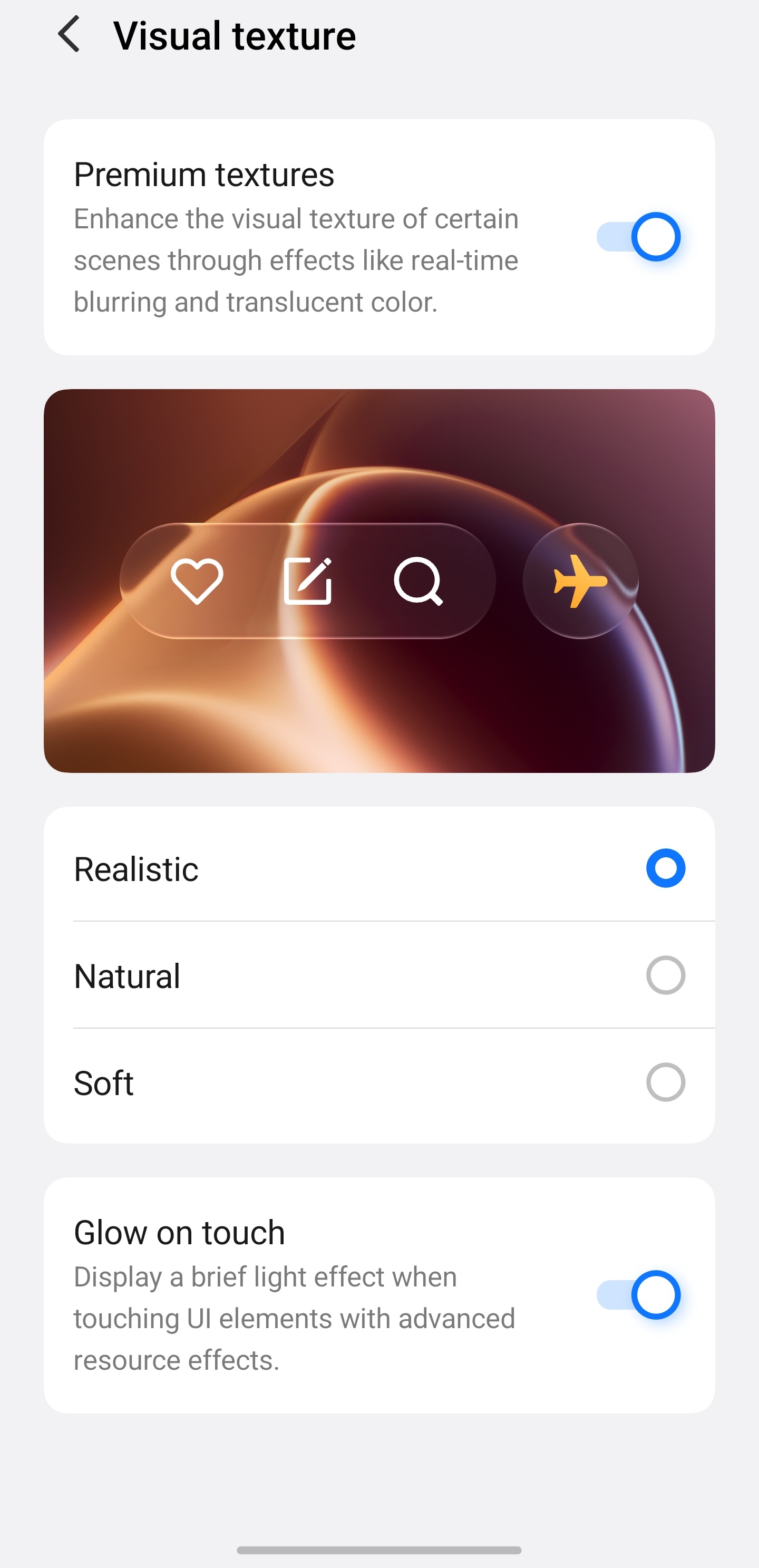
Together they make the interface feel more premium than OriginOS 6, and more alive.
Realistic suits the daytime and Soft suits late nights. For me, this combination is a clear step up.
5. Wiggle Theme: A Small Touch That Makes It Personal
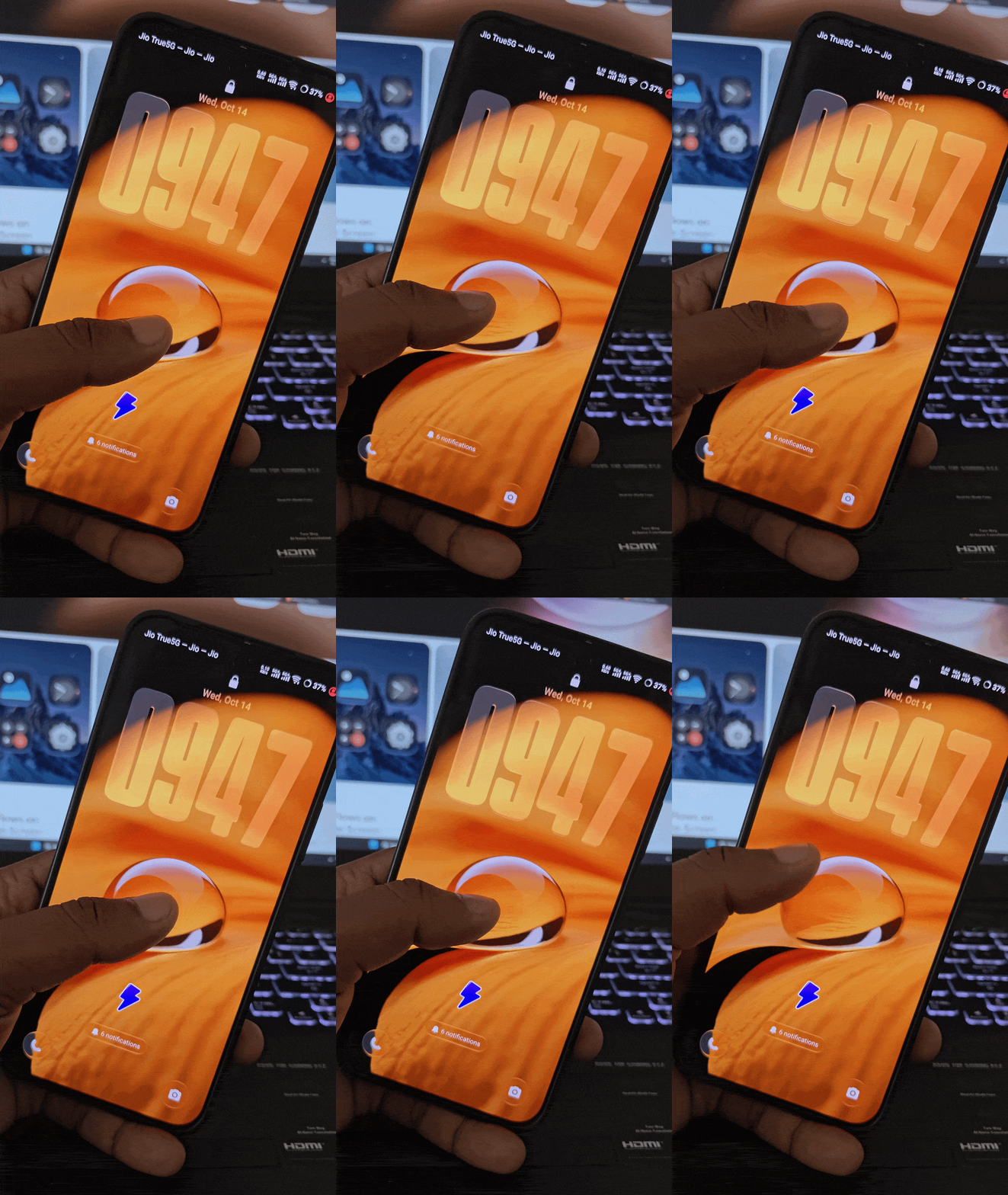
Gently shake the phone, and the wallpaper wobbles, springs or ripples like water. It's a small moment of play when you wake up or wait in a queue. It's a little detail that makes the phone feel like yours. It won't change how you use your phone, but it's the thing you'll show a friend first. I'd happily keep it on. It's a lovely bonus rather than a reason to upgrade, and it adds a touch of personality that spec sheets never capture.
Final Word
My ranking: Origin Workbench first for usefulness, Spring Animation second for how it feels, and Fluid Motion third as a quiet bonus. Dynamic Glow and Wiggle Theme round it out as the two that add personality: Glow for the look, and the Wiggle Theme for that little smile when the wallpaper ripples under your hand.
Where OriginOS 6 proved a phone could be smooth, OriginOS 7 makes it feel more responsive to you, and it adds a few touches that make it feel more like yours. That's harder to do than adding a new feature.
Signing off,
@iQOO Connect Ranger!
Please sign in
Login and share